



Test Before You Build
Catch layout issues or confusion before development.
UI prototyping is the stage where your website or app starts to feel real. It's a visual draft of what users will see and how they'll interact with it before anything gets built. It's where we test structure, layout and logic without writing a single line of code.
Prototypes turn static screens into something you can actually use and explore. It's the best way to test design logic, catch weak spots and make fast decisions before anything is built.
Catch layout issues or confusion before development.
Get your team and stakeholders on the same page, literally.
It's quicker and cheaper to update a prototype than live code.
Everyone sees how it should work, reducing dev guesswork.
We use tools like Figma to create interactive mockups that feel close to the real thing. This gives you a chance to experience the design from the user's perspective. You'll be able to test navigation, screen flow and interactions and adjust anything that doesn't feel quite right.
It's fast, flexible and helps everyone make better decisions before the build.
Pixel-accurate layouts for desktop and mobile.
Simulated user flow using Figma or similar tools.
Basic button, hover and transition examples.
Each interaction mapped out clearly.
Leave feedback right inside the design.
Everything ready for the build phase.
We work from your sitemap, wireframes, or research.
We style them using your brand, color and layout goals.
You test the actual screen flow with real interactions.
Leave comments directly on the design.
Finalize and package for development.

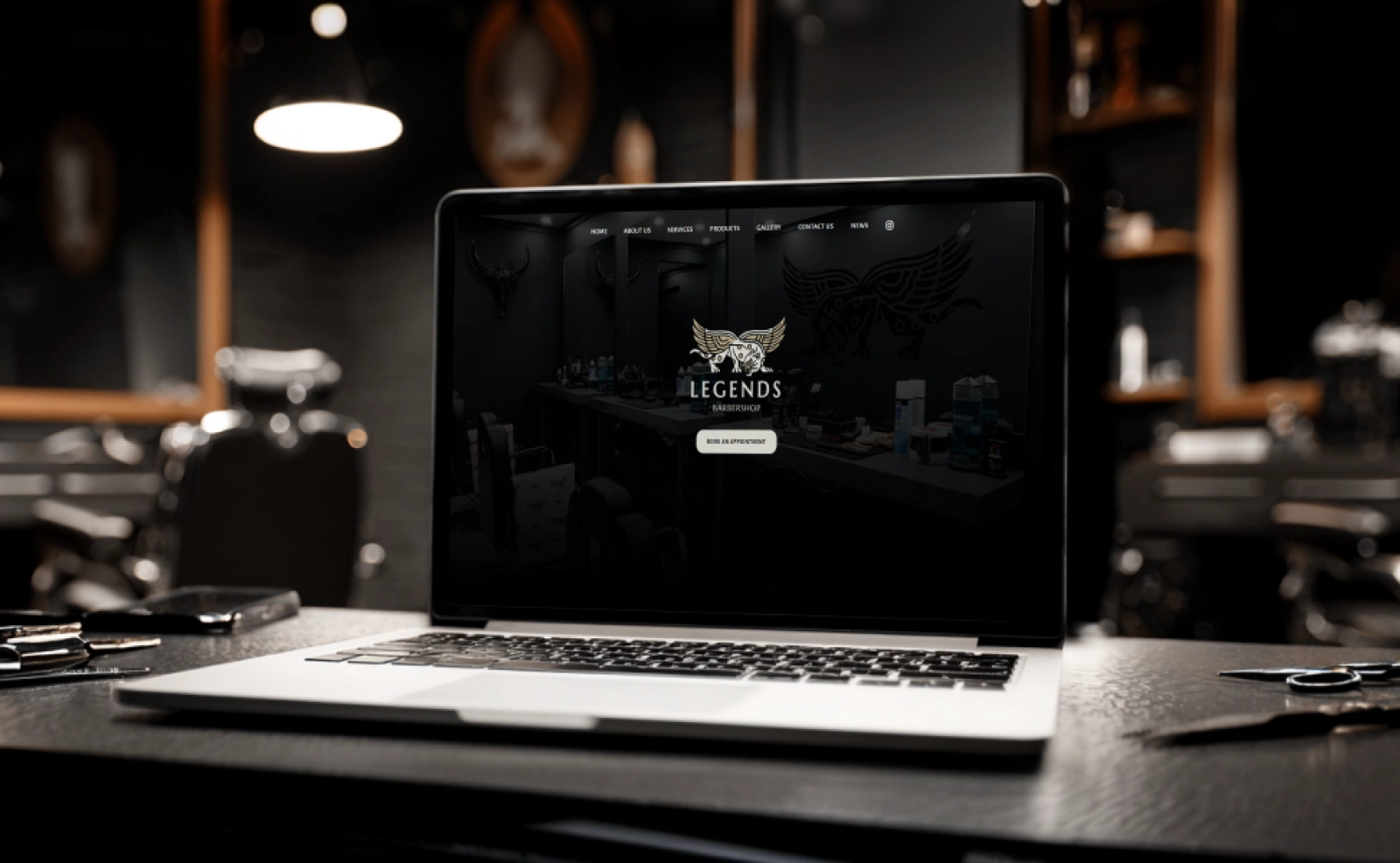
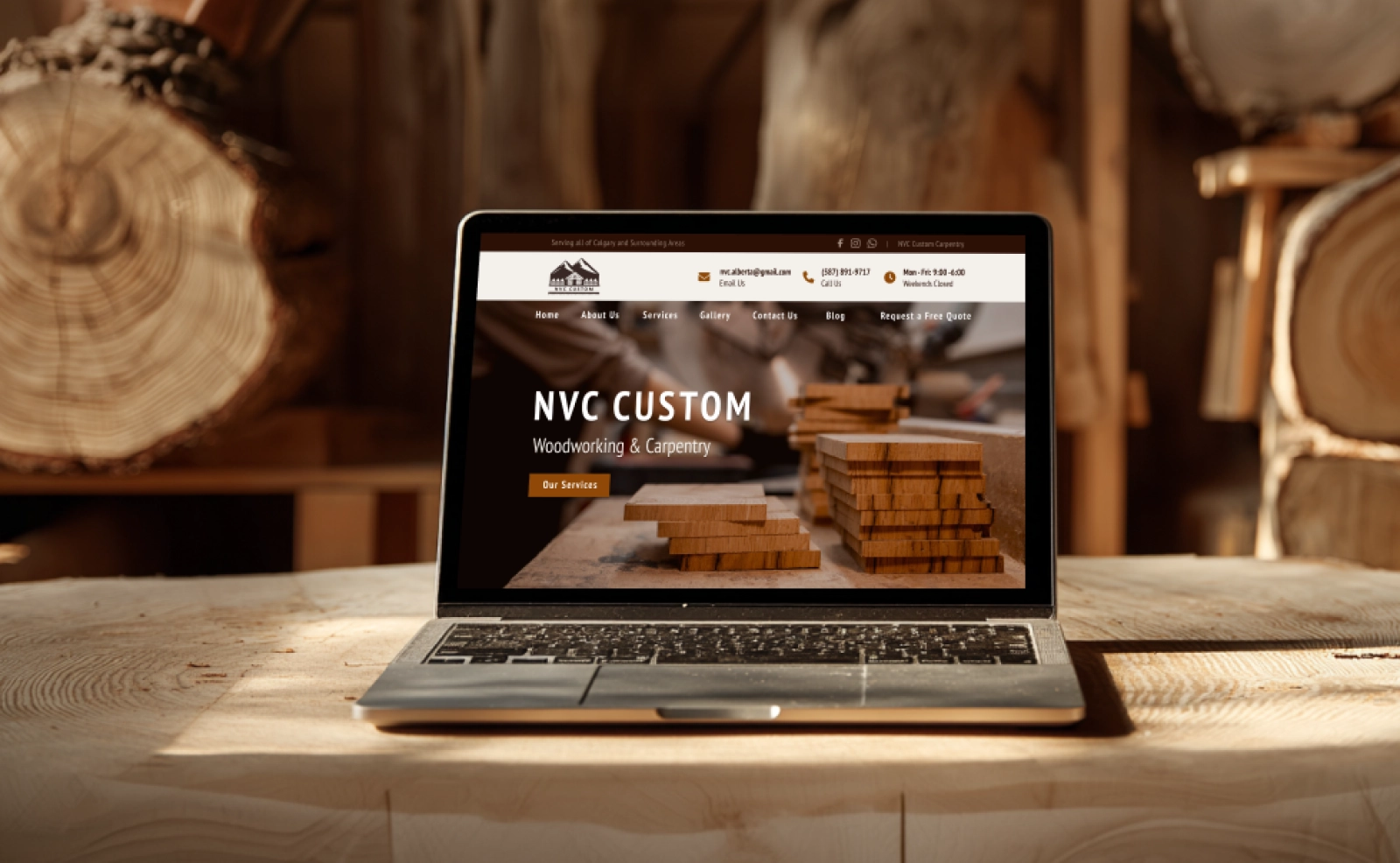
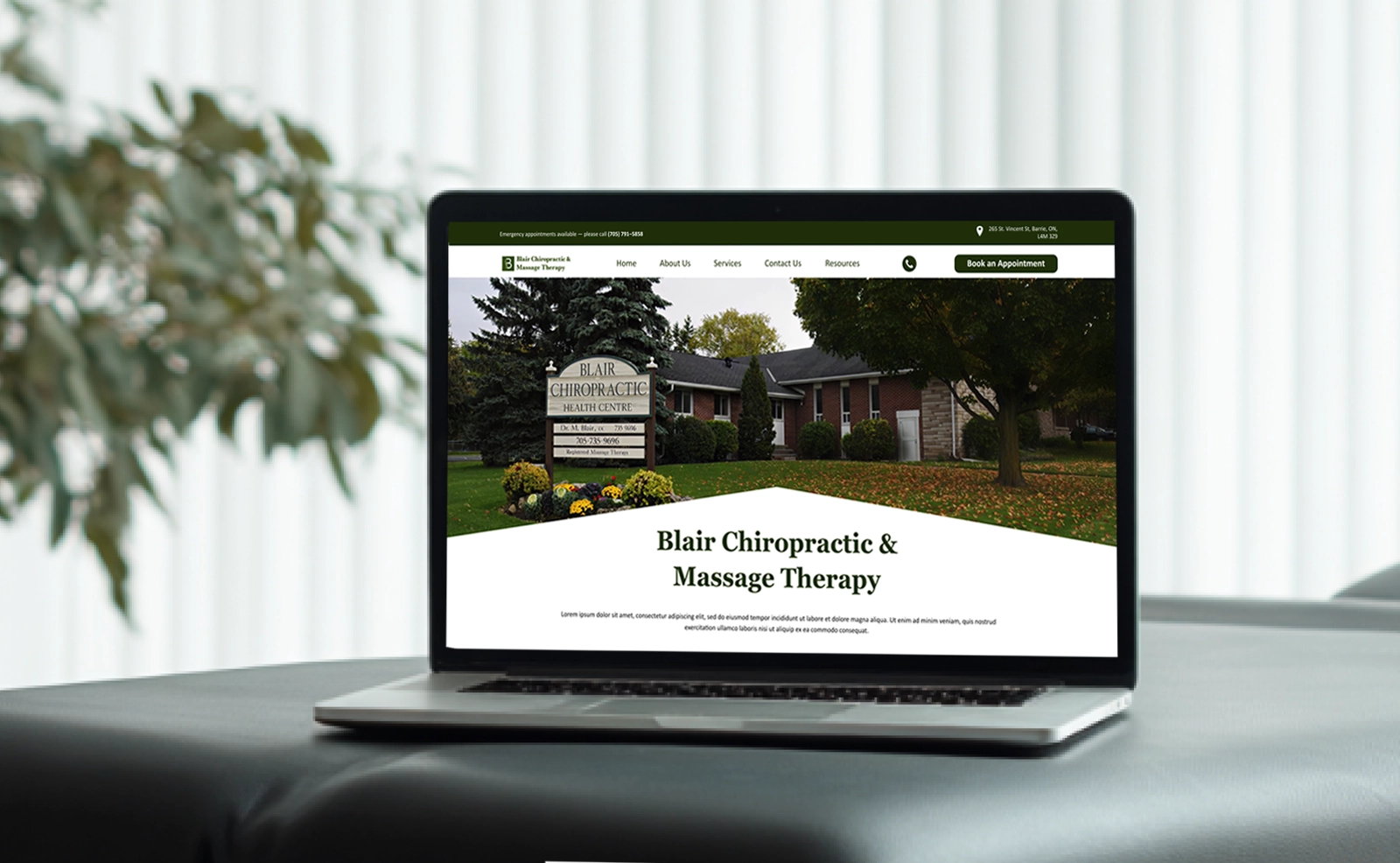
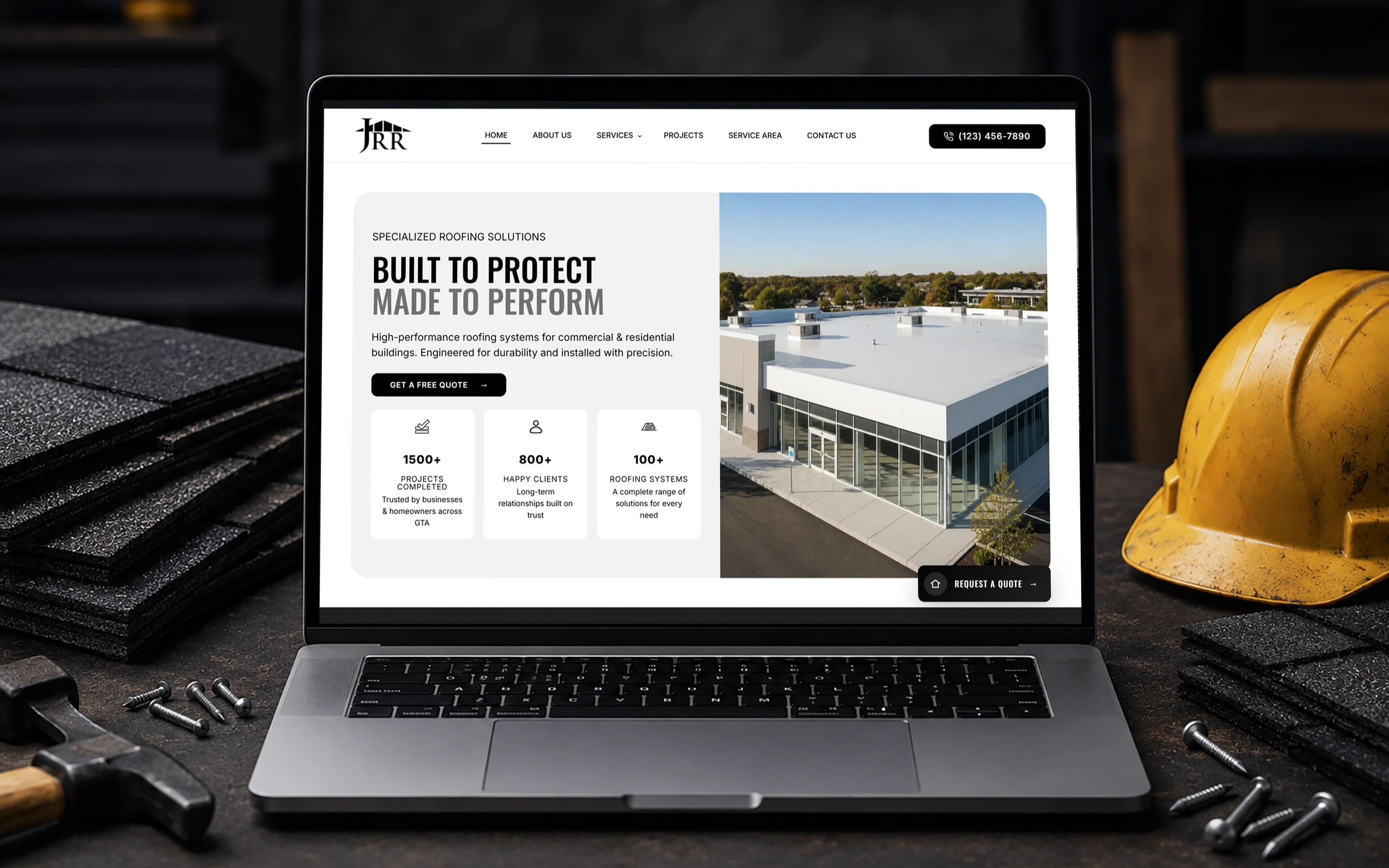
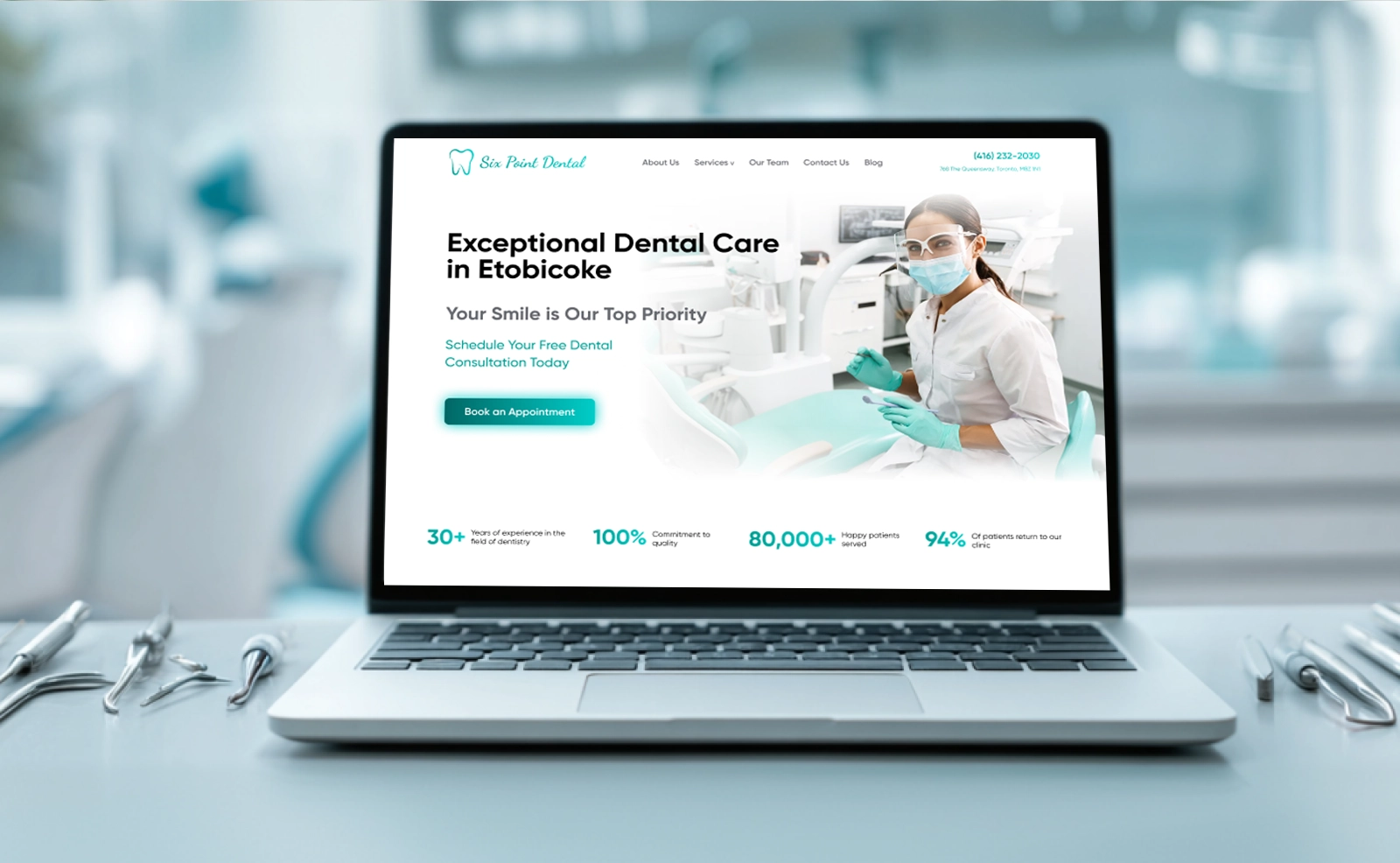
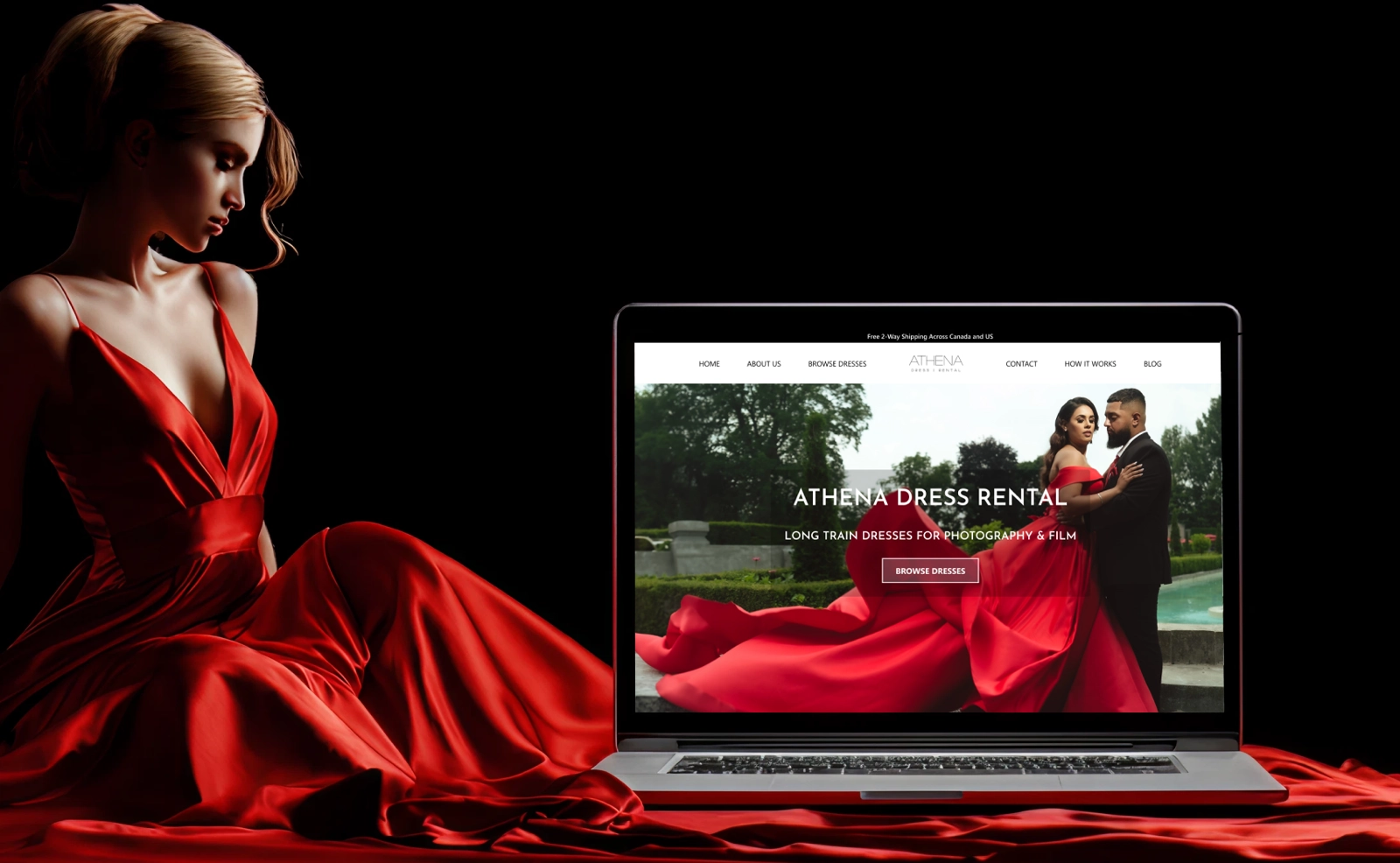
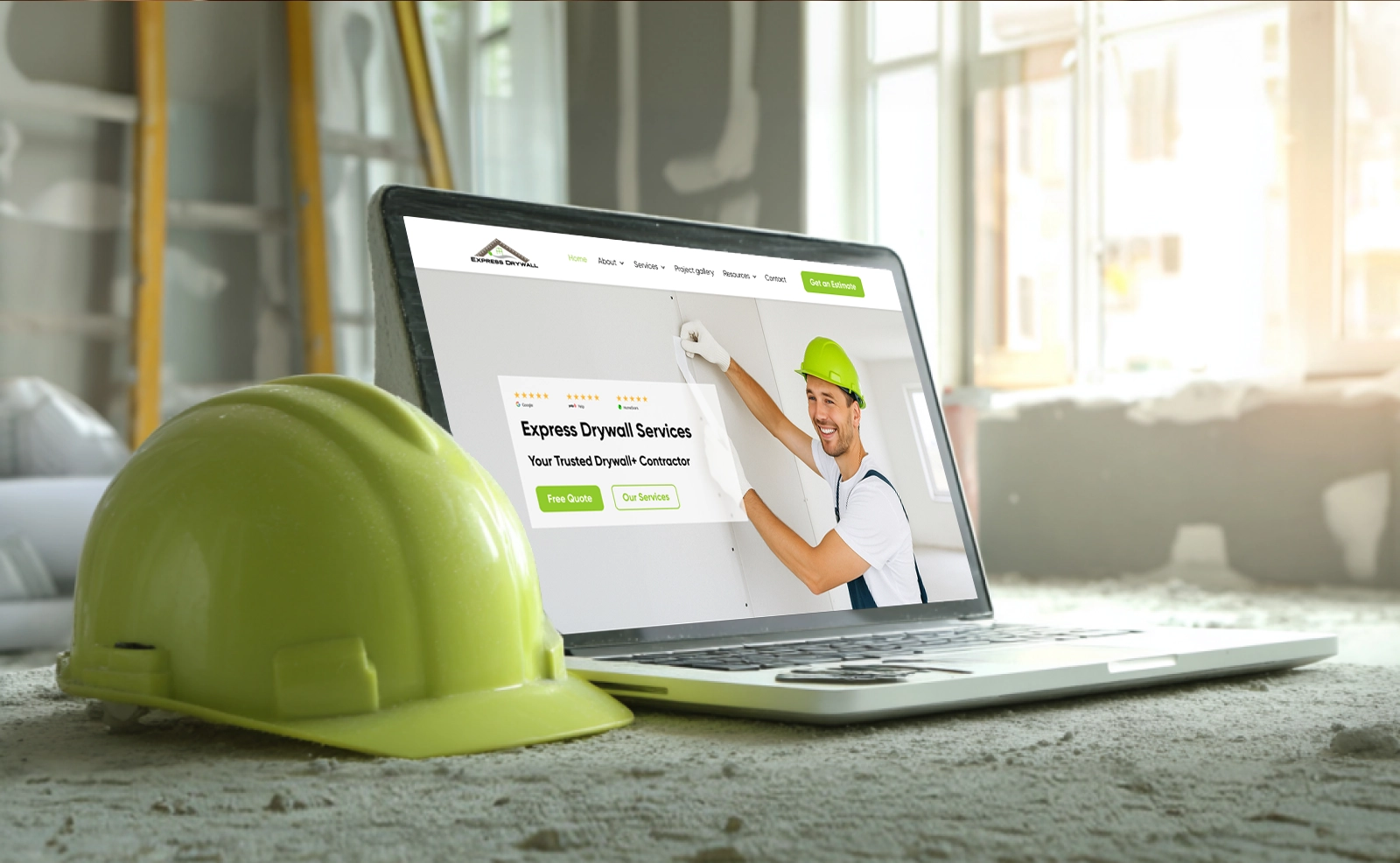
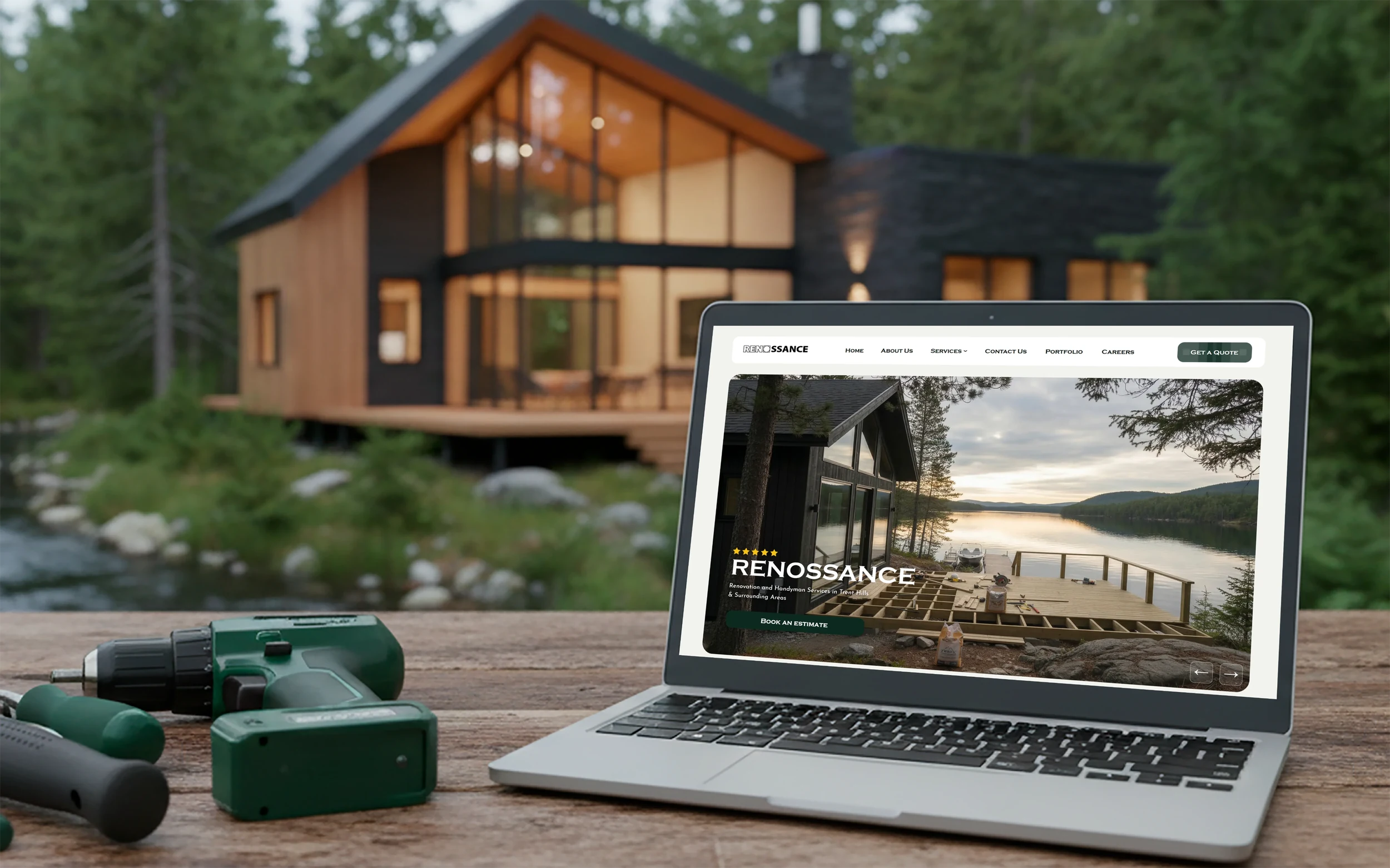
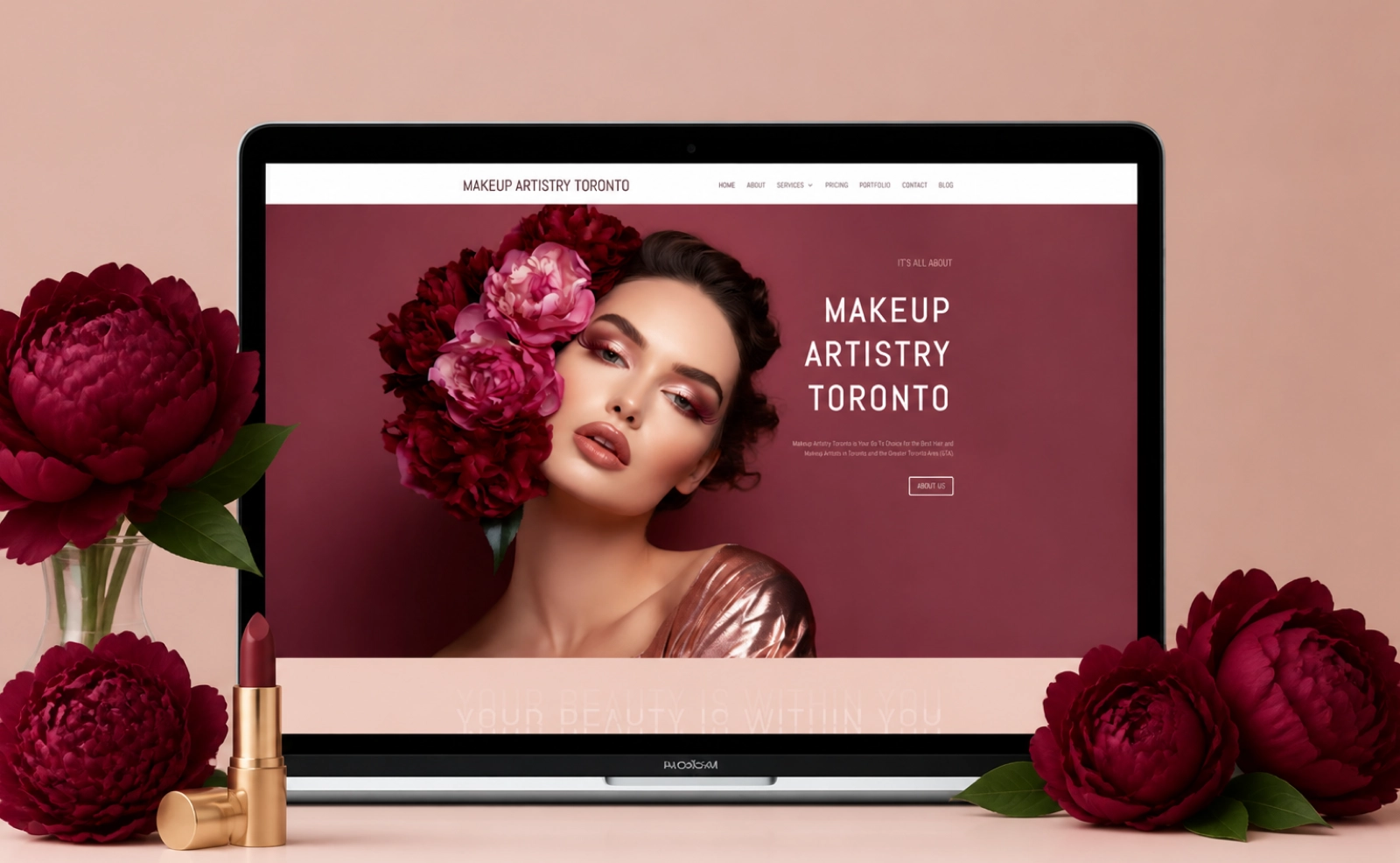
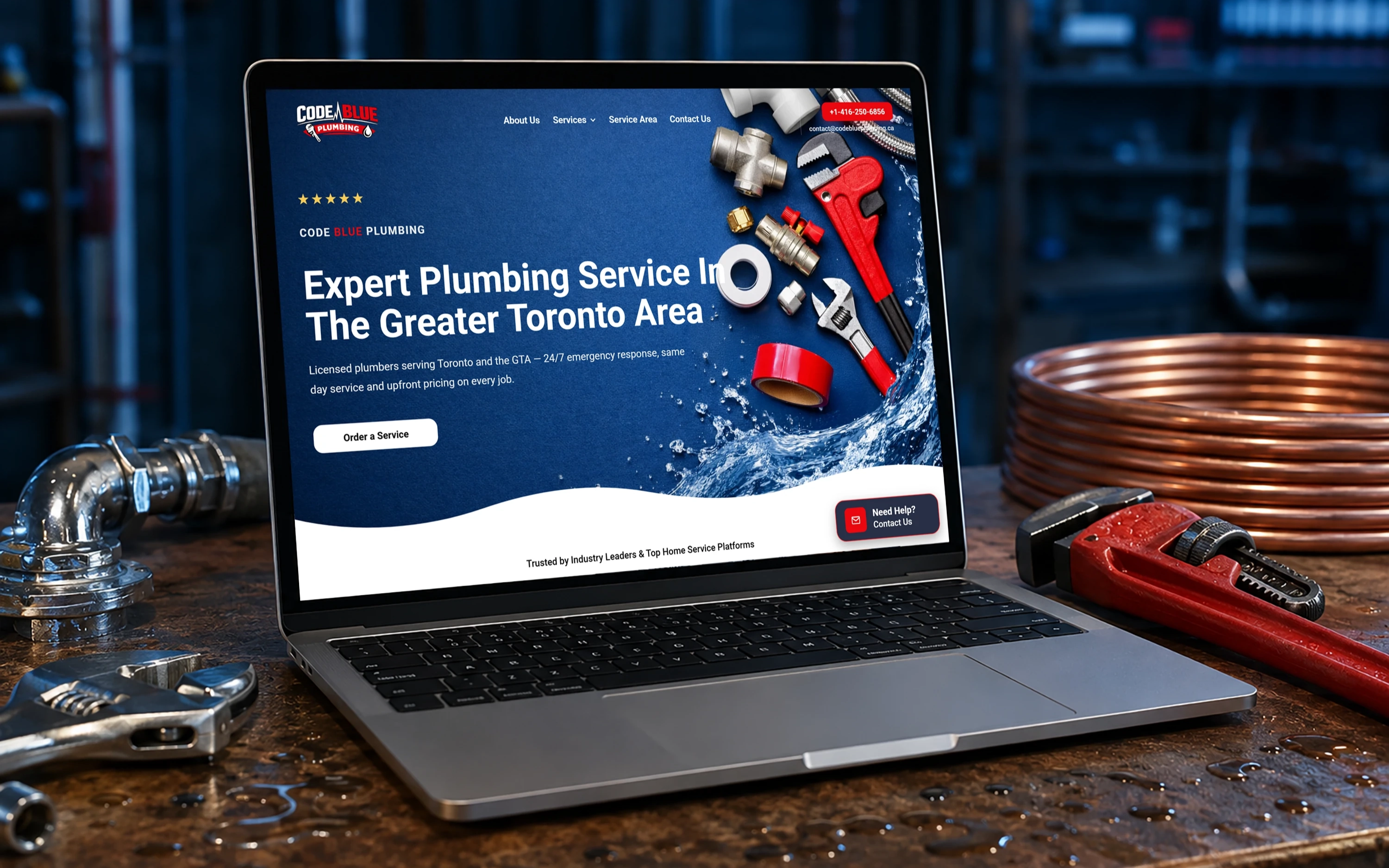
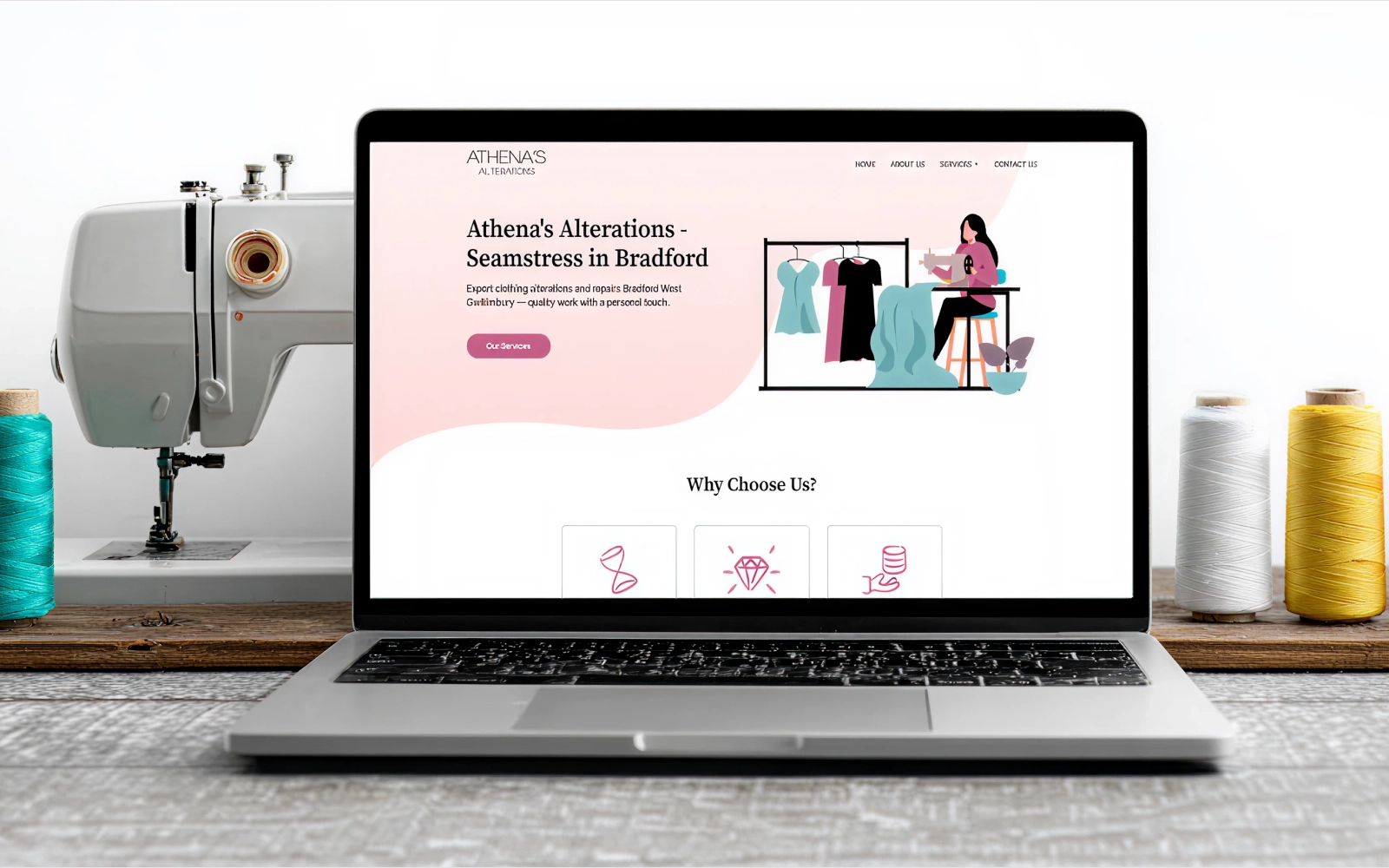
We do not just talk — we ship real websites that real people use. Here is a look at what we have built for businesses like yours.
Pricing depends on how many screens you need, how complex the flow is and how polished you want the animations to be. It's still much faster and more affordable than building first and fixing later.
Tell us about your project and goals. We'll recommend the right approach and map a clear path forward.





 Get in Touch With SEOrca
