



Improves Usability
Well-structured interfaces guide users through features without confusion or clutter.
Platform UI Design focuses on how users interact with complex tools, dashboards, or web apps. It's not just about looking good — it's about building a clean, intuitive interface that helps users complete tasks, manage data, or use services with ease. The goal is to make the experience fast, clear and friction-free.
A platform is only as strong as its interface. Clean UI saves time, reduces user errors and improves adoption especially for tools with depth.
Well-structured interfaces guide users through features without confusion or clutter.
When users understand the layout, they ask fewer questions and save your team time.
A great UI makes your platform feel polished, reliable and premium.
A good UI system grows with your platform. Add new features without breaking the flow.
Colors, fonts and layout that match your brand
Clear navigation and screen flow built for complex tools
Buttons, forms, tables and modules designed to work together
Responsive layouts for key screens across devices
Reusable components and patterns for consistent scaling
Organized files and assets ready for development
While every platform is unique, most include key interface patterns that support usability and performance:
We review your platform's purpose, key actions and how users should move through it.
We build rough screen layouts to plan the flow and content hierarchy before styling.
We create a consistent, scalable visual style — colors, components, icons, typography.
We design each screen or module in full detail, including interactions and responsive states.
You get organized files, design assets and anything needed for dev handoff or prototyping.

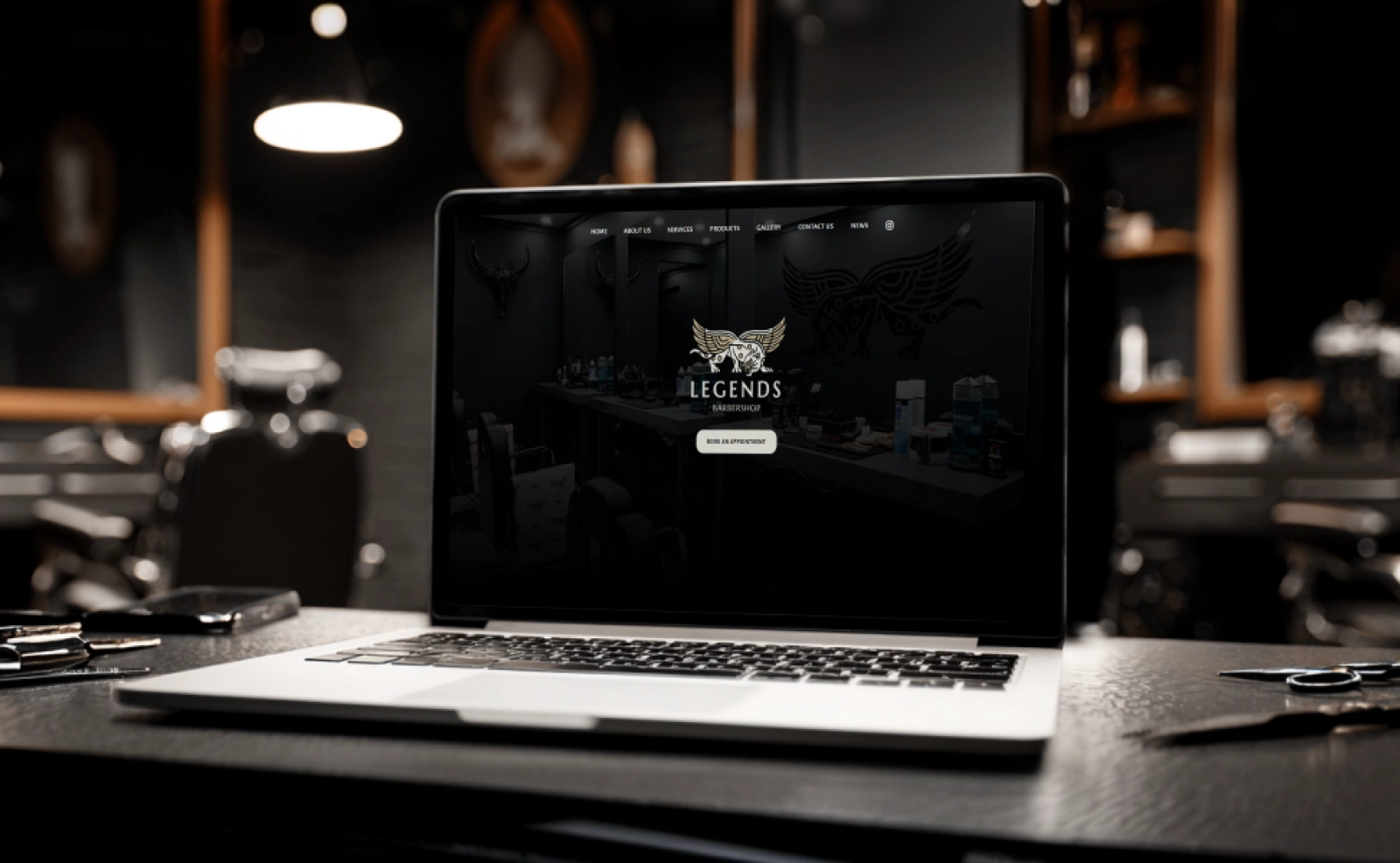
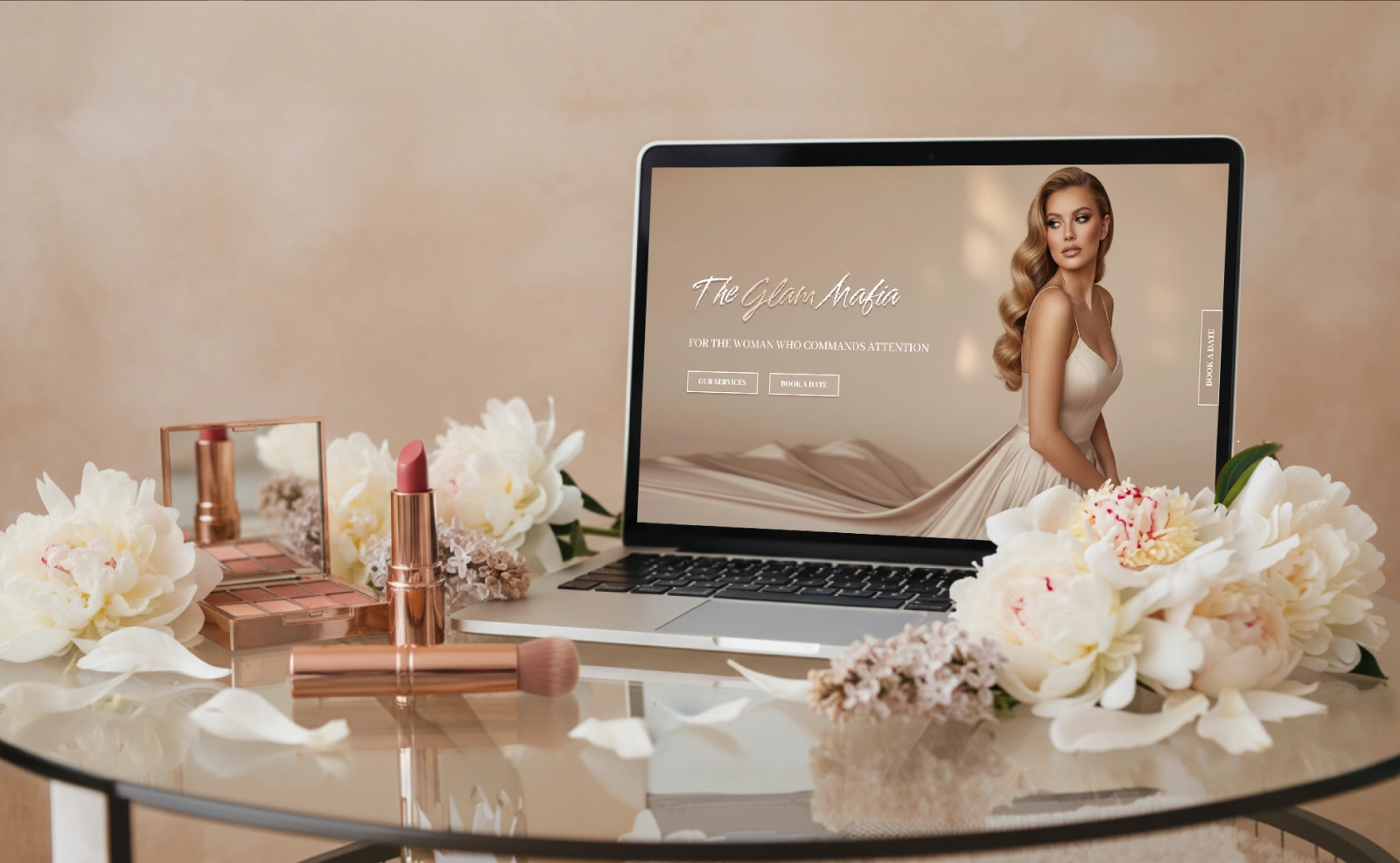
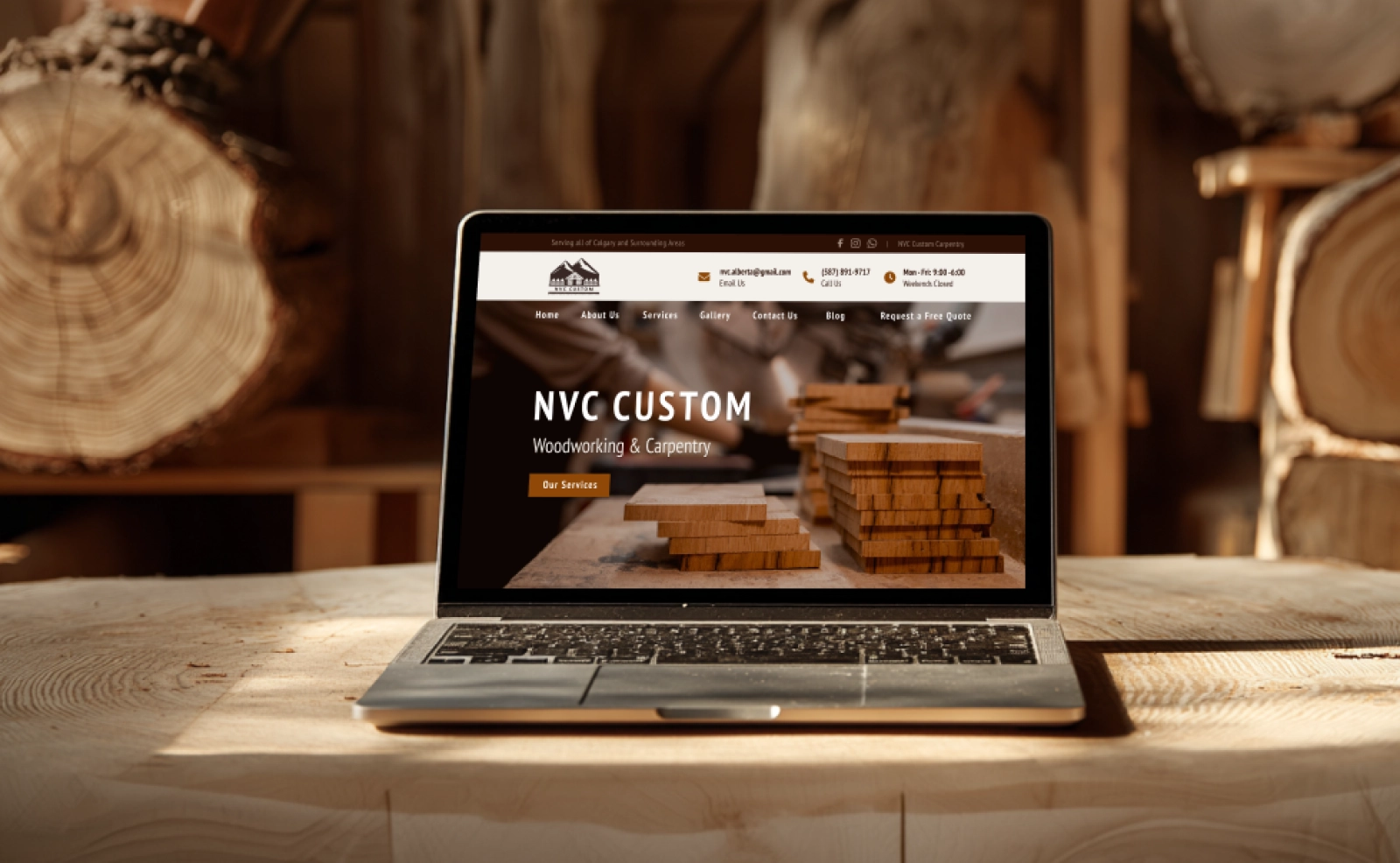
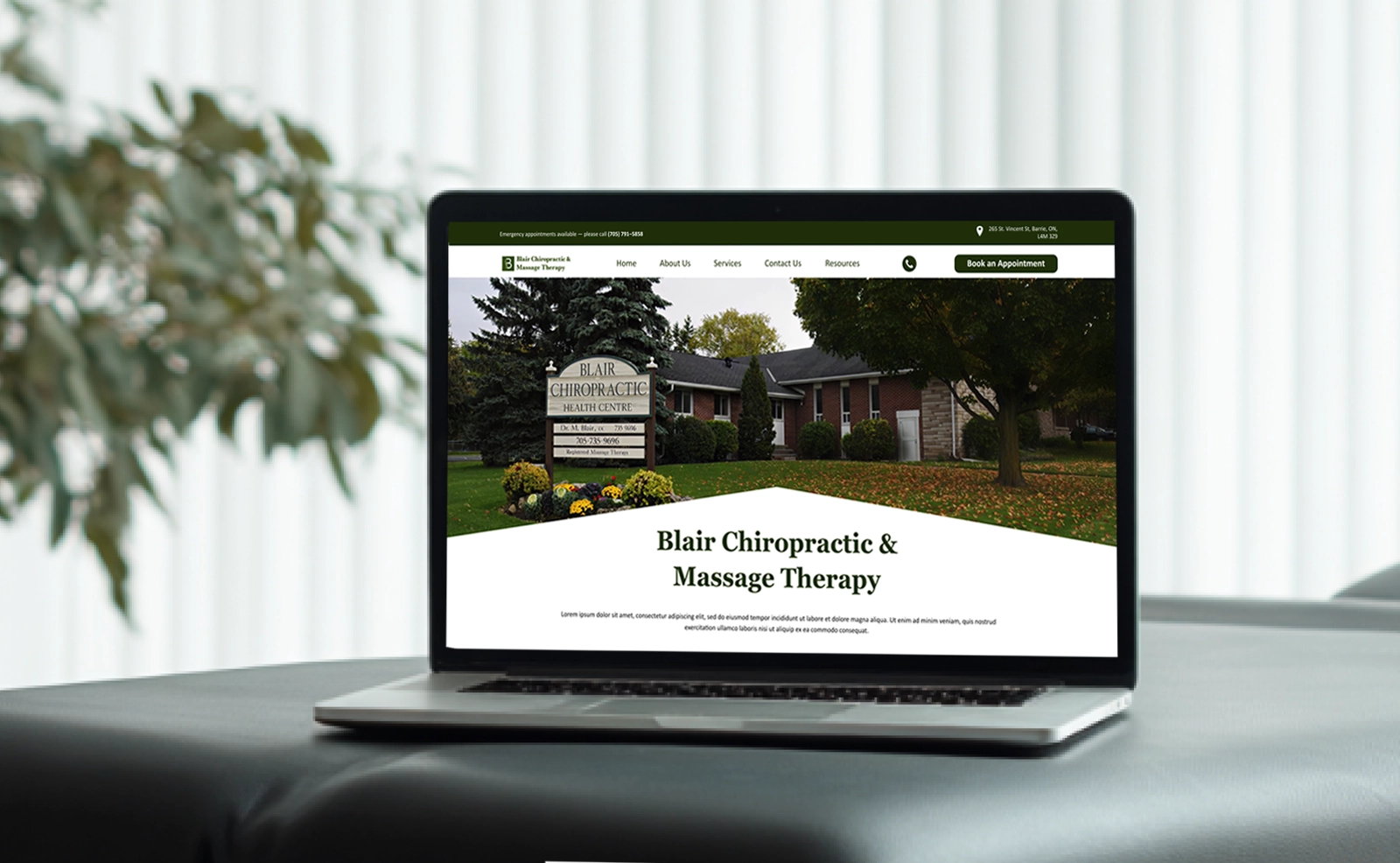
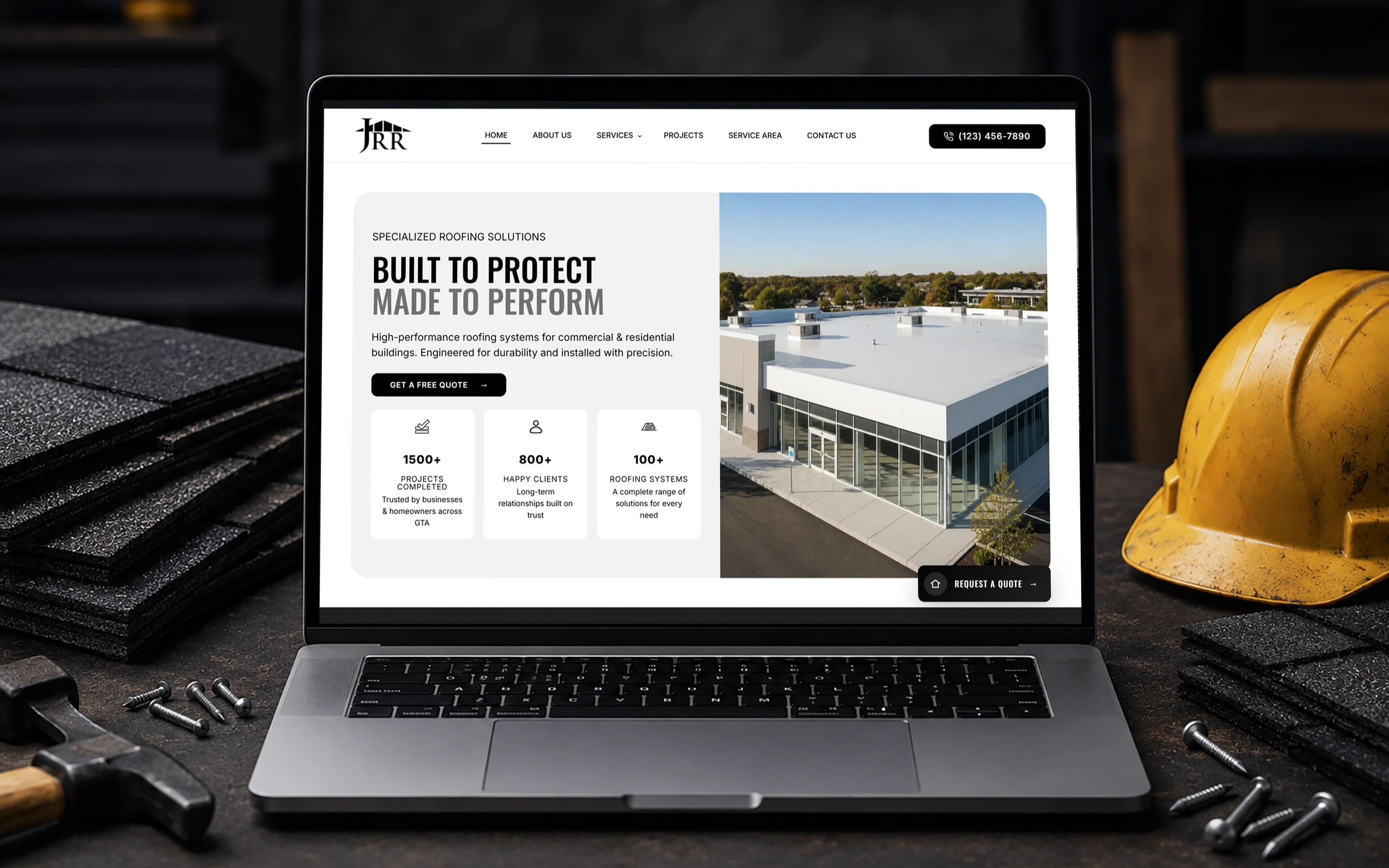
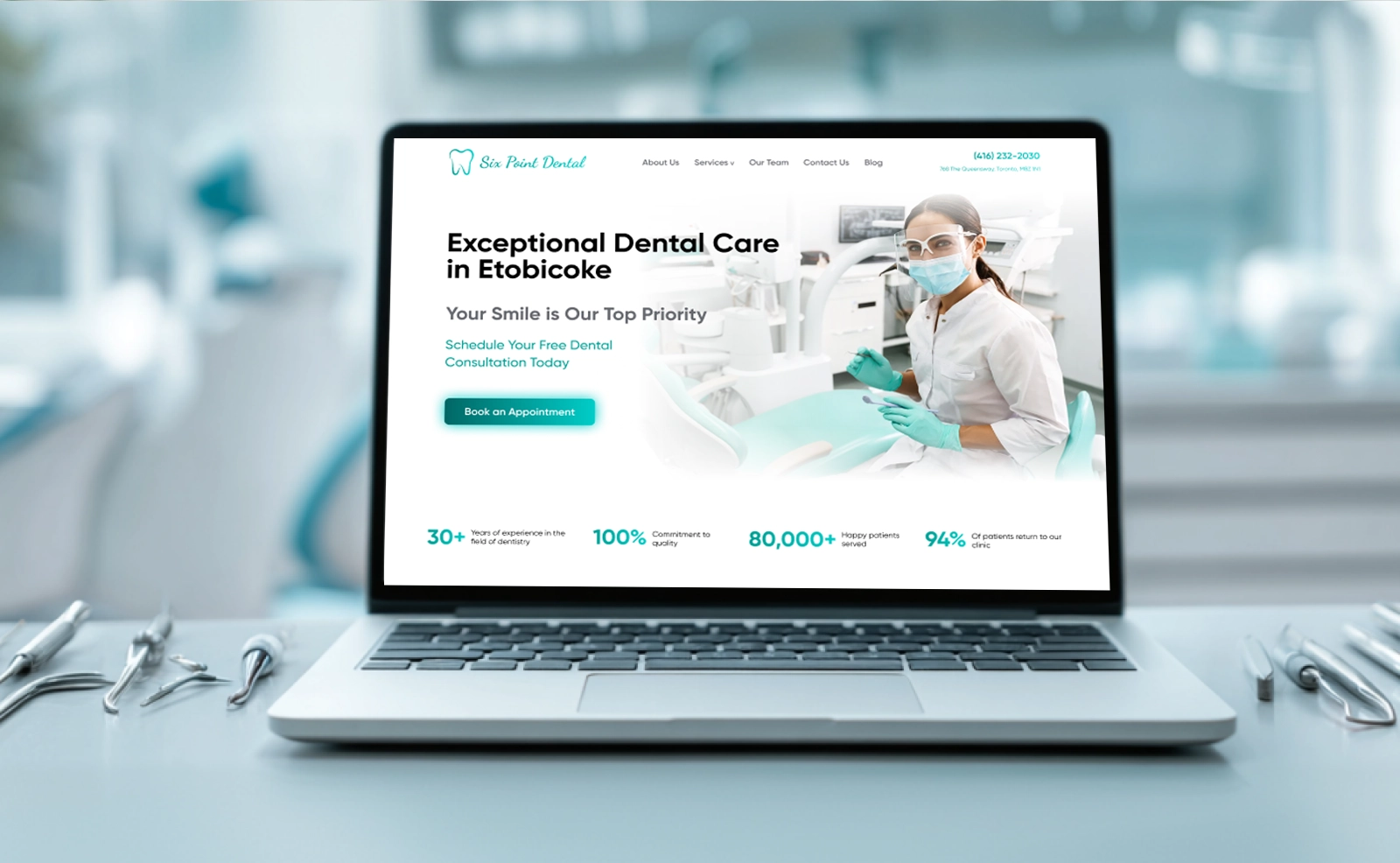
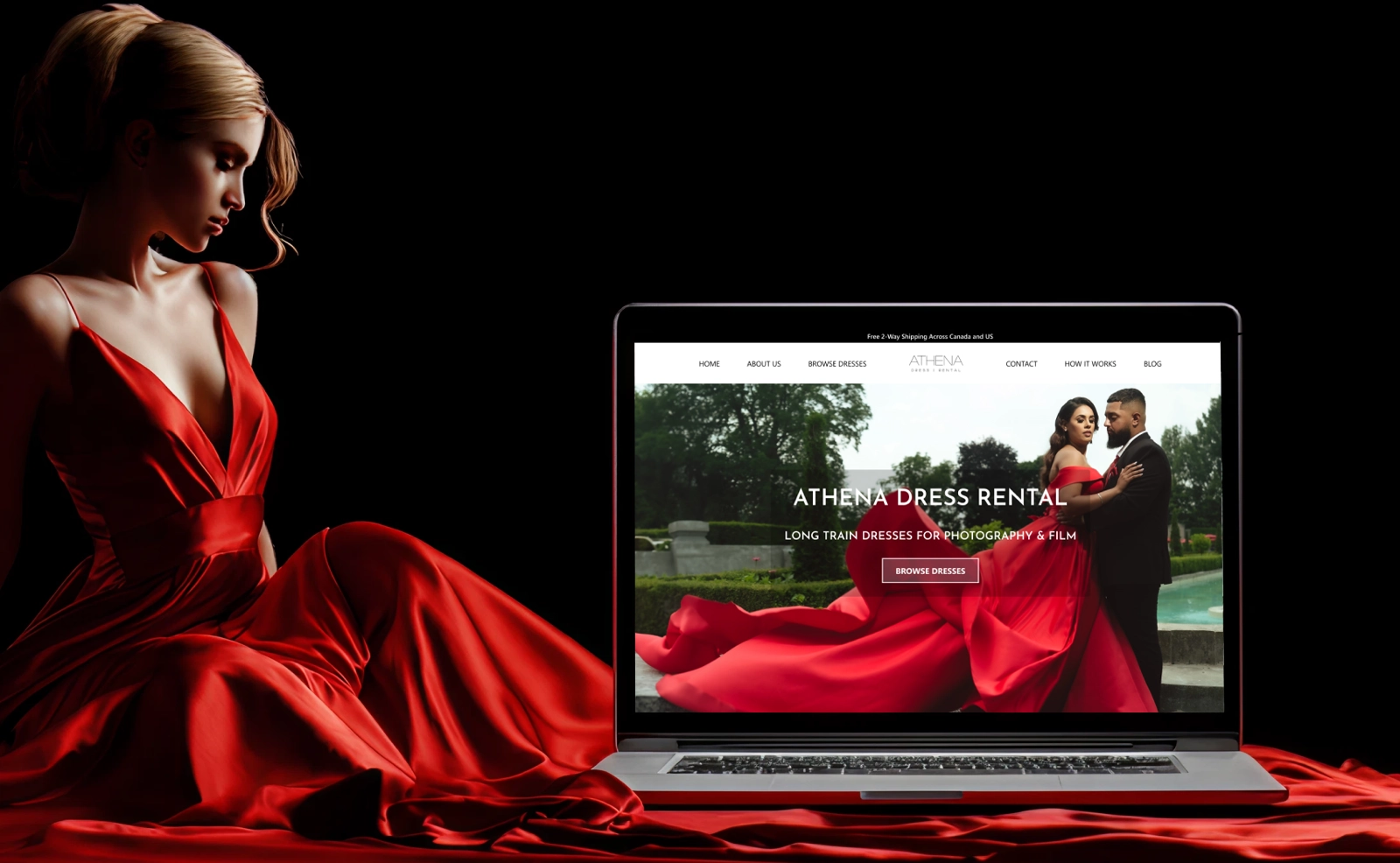
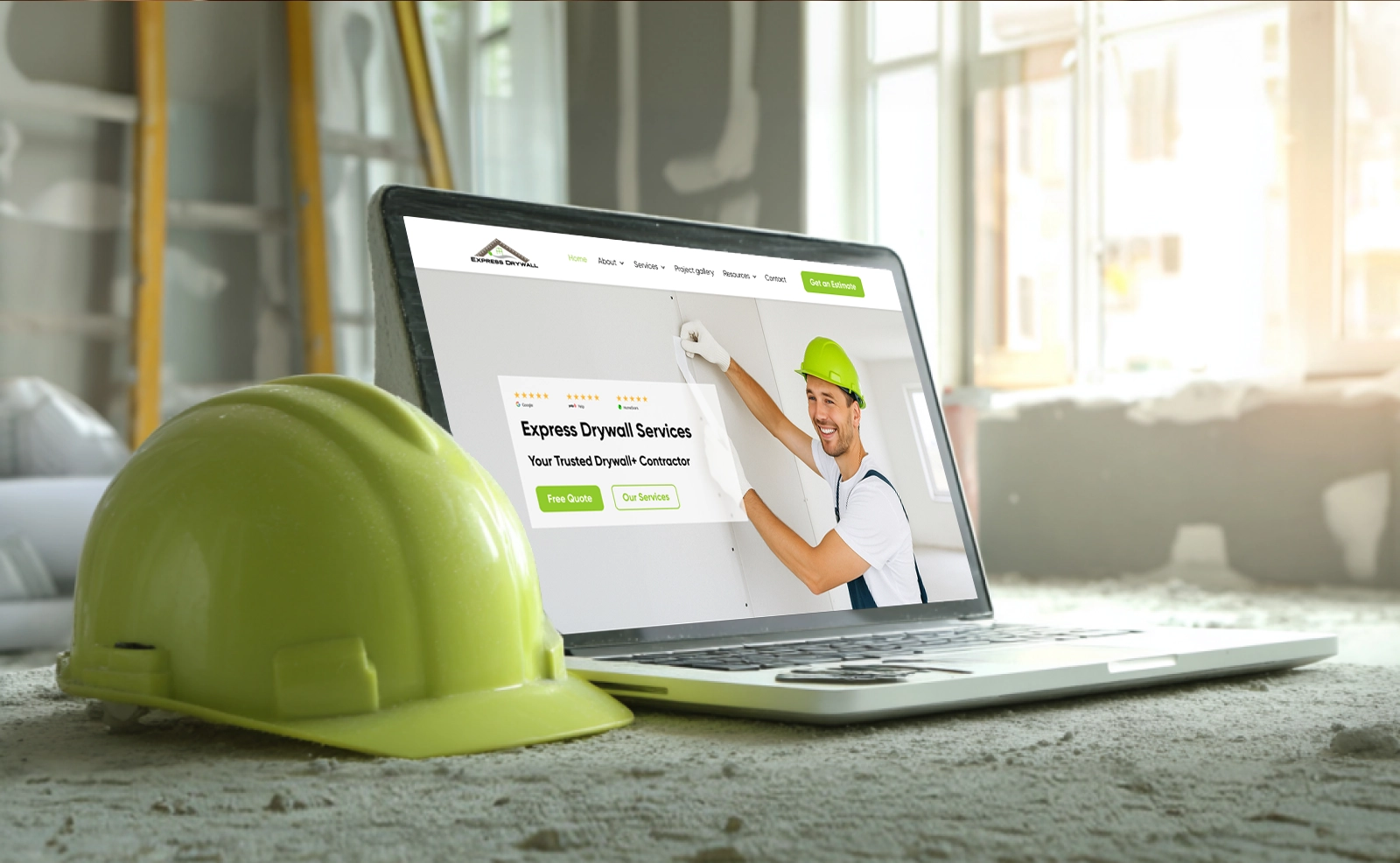
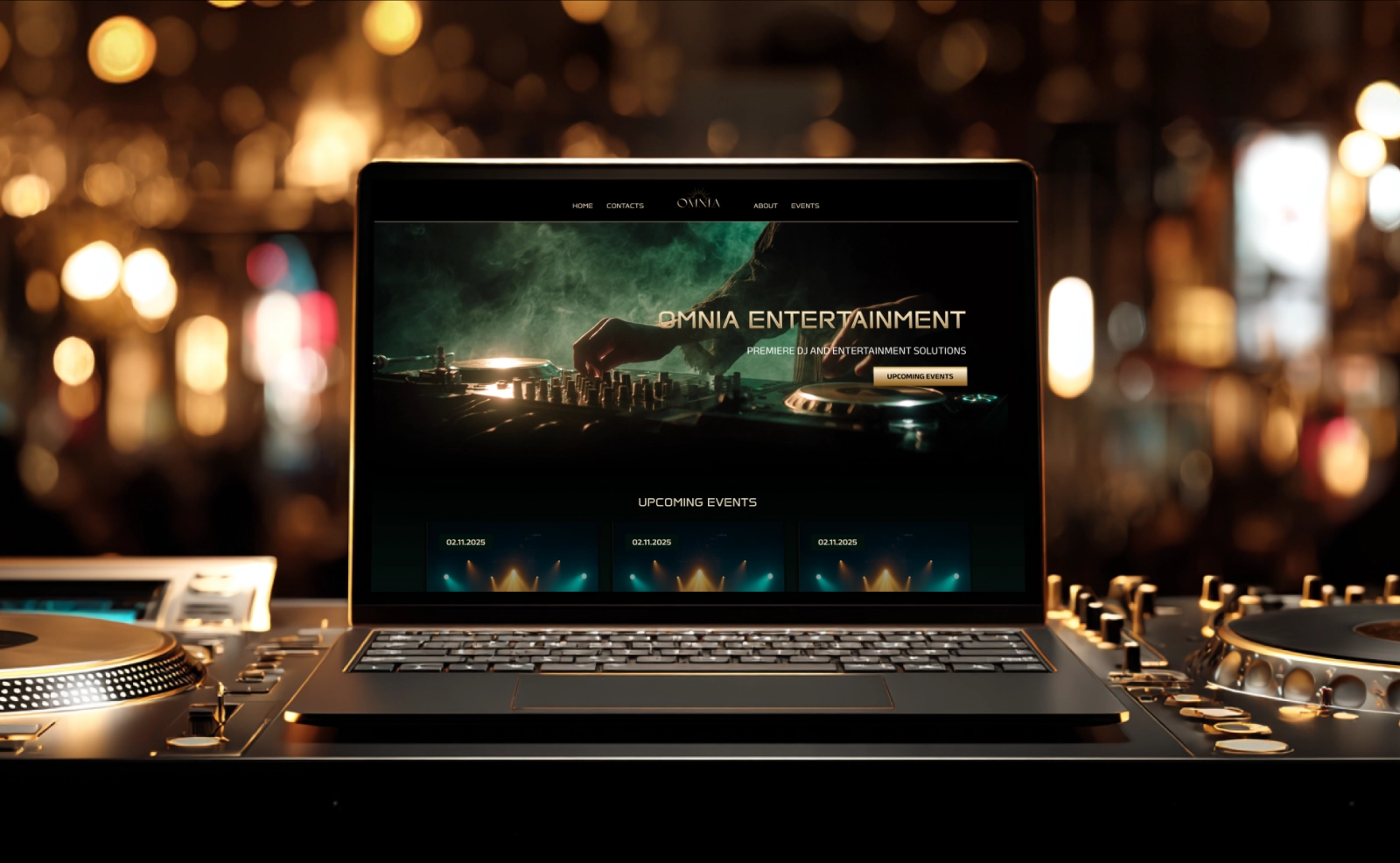
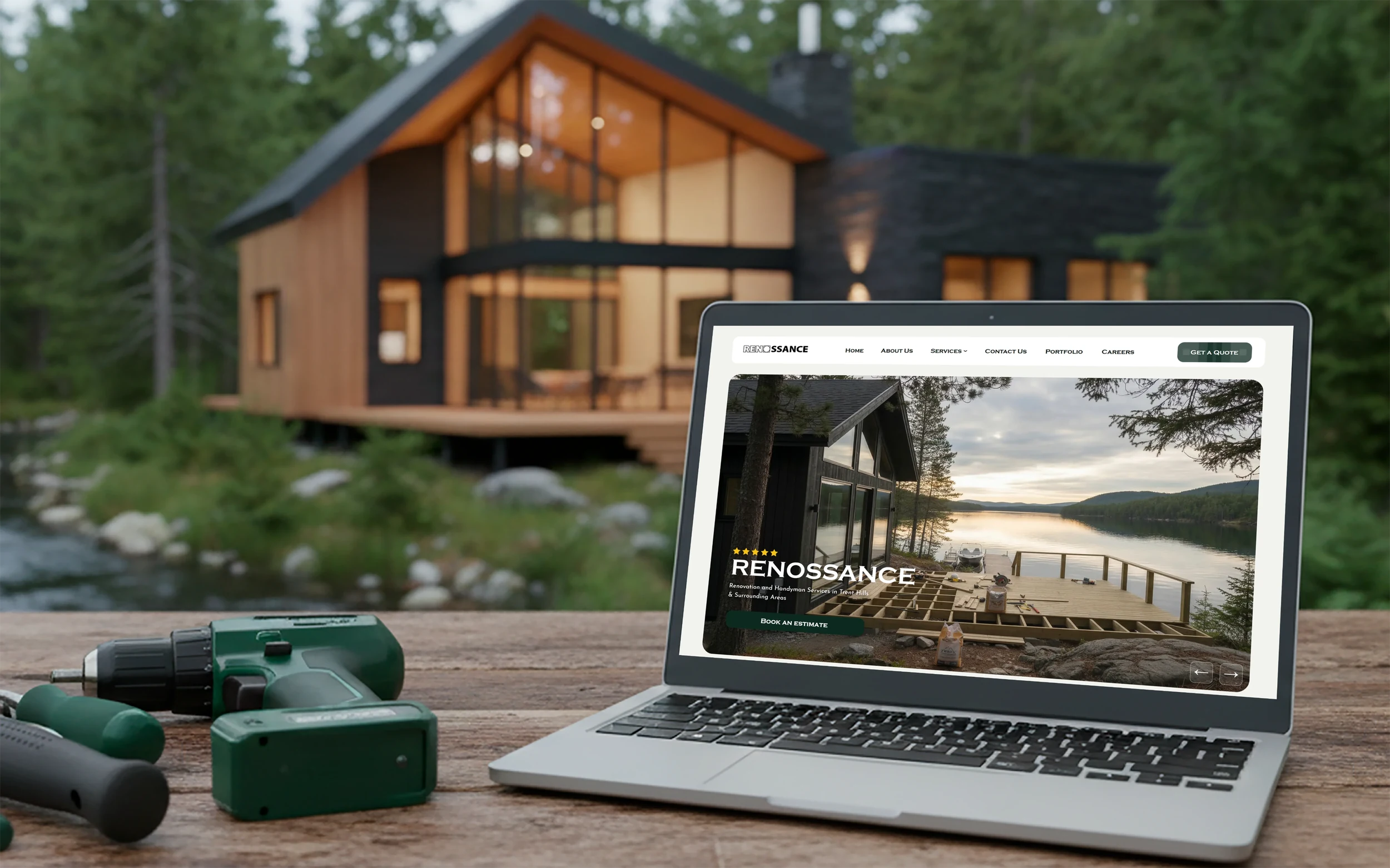
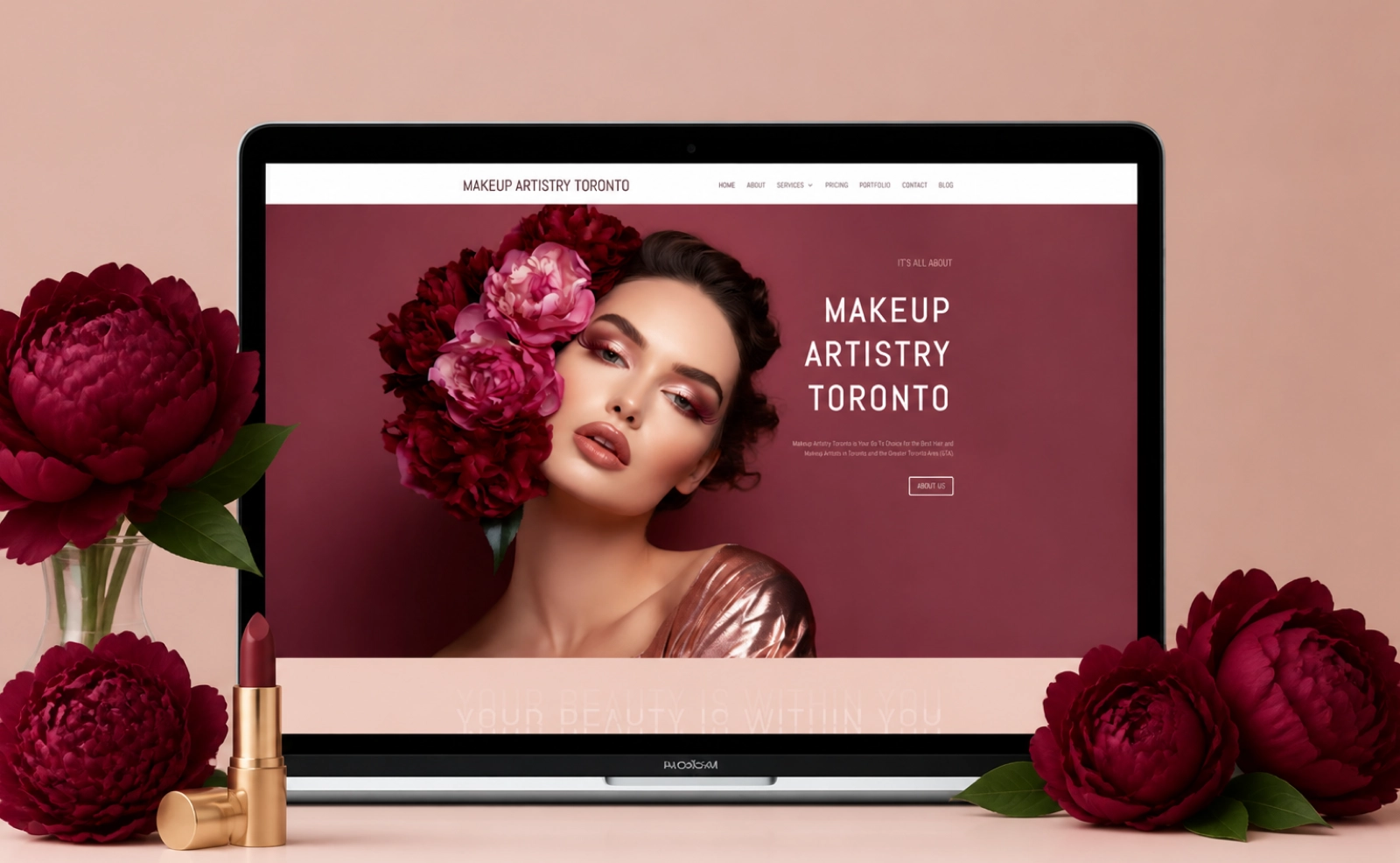
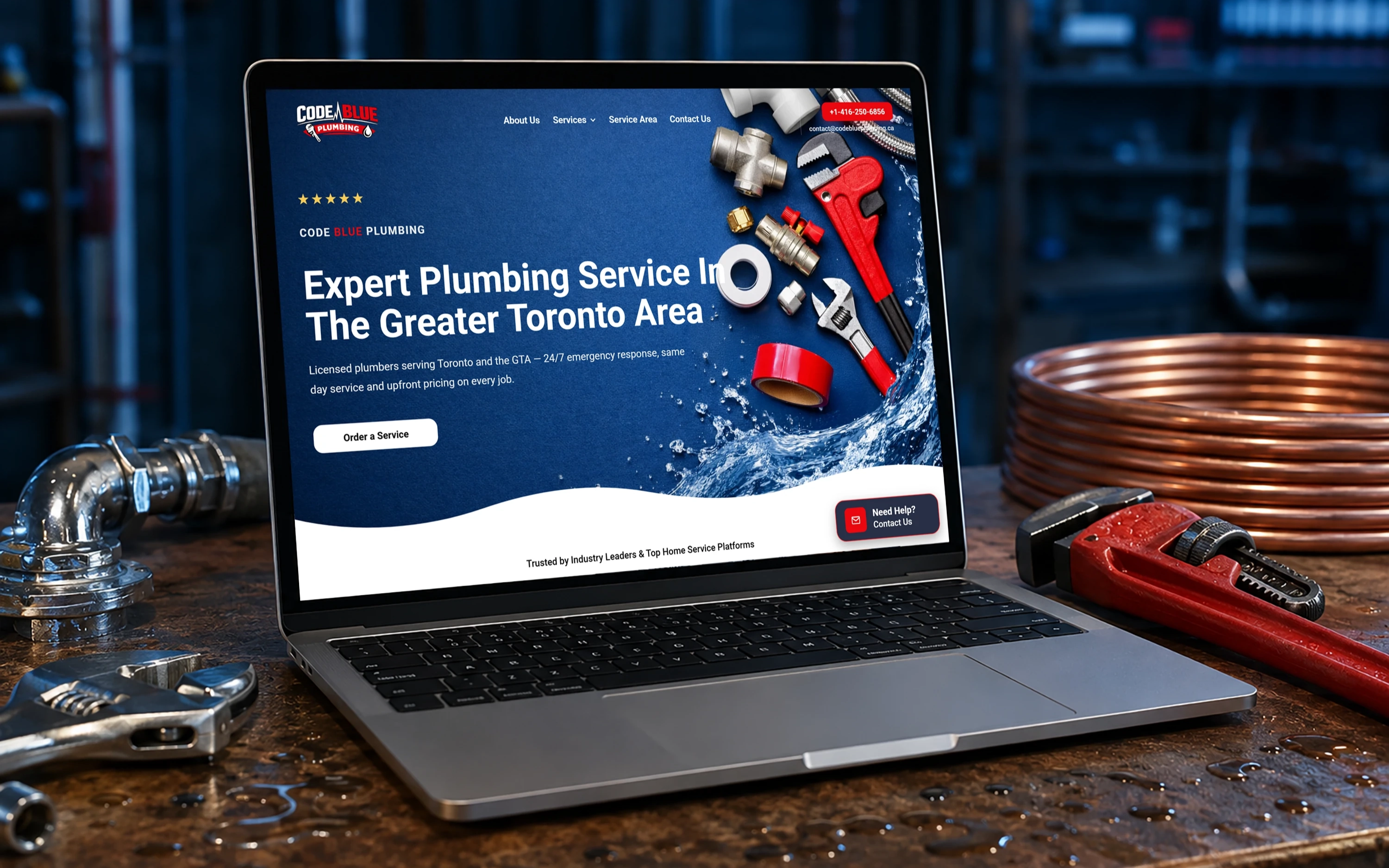
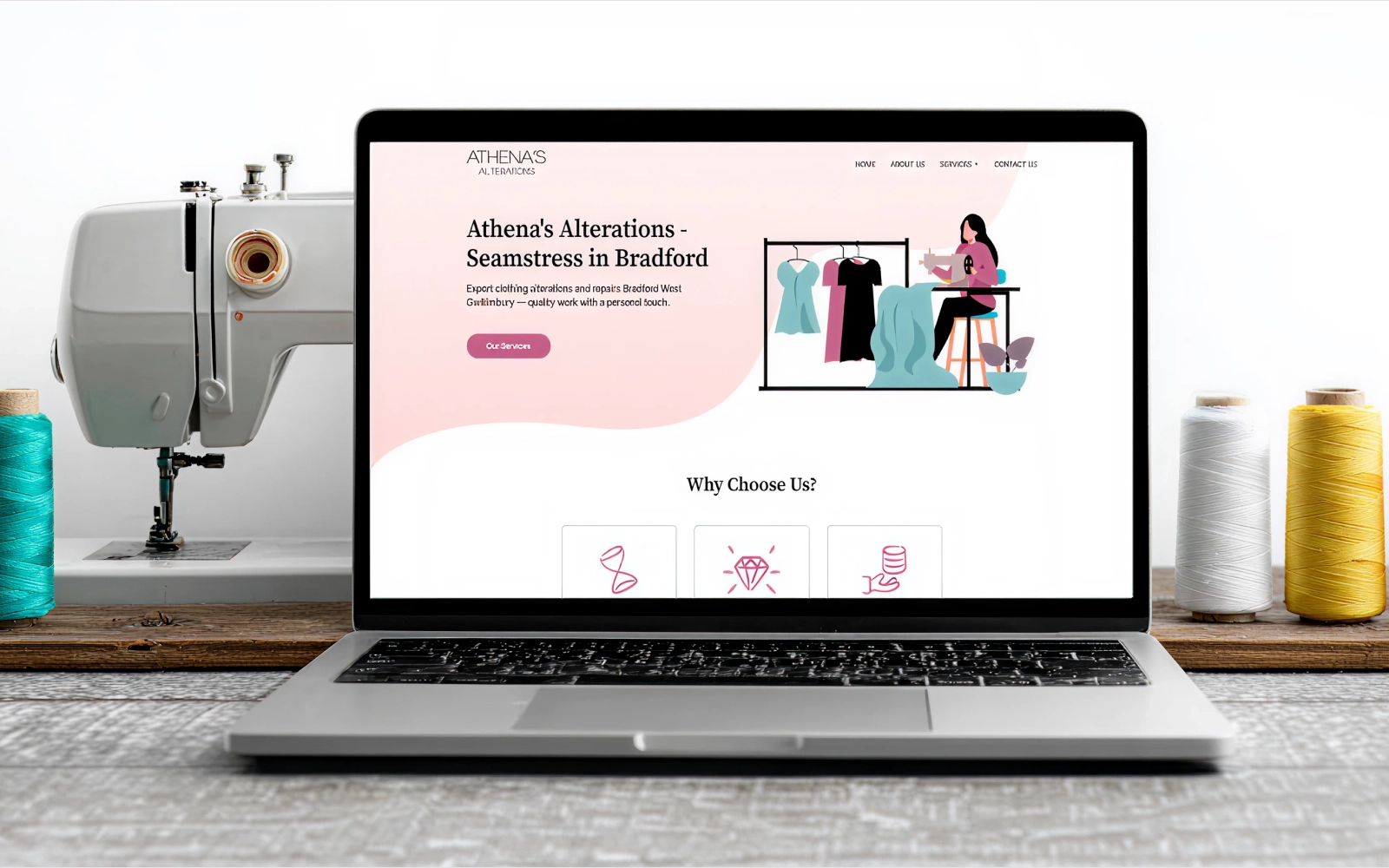
We do not just talk — we ship real websites that real people use. Here is a look at what we have built for businesses like yours.
Platform UI design depends on how many screens you need, how complex the features are and whether we're building from scratch or improving something that exists. Once we understand your platform and goals, we'll give you a tailored quote.
Tell us about your project and goals. We'll recommend the right approach and map a clear path forward.



 Get in Touch With SEOrca
