



Edit Without Code
Update content through a clean dashboard — no tech skills required.
CMS stands for Content Management System — a backend platform that lets you update and manage your website content without touching code. With custom CMS development, we build or tailor a system that fits your site's structure, so you can edit pages, posts, products, or anything else with ease.
A CMS gives you control. You don't need to rely on developers every time you want to update a page, add a blog post, or change a heading. It's fast, flexible and tailored to your workflow.
Update content through a clean dashboard — no tech skills required.
Avoid constant dev requests for small edits and updates.
Add pages, sections, or modules without breaking the site.
Manage exactly what you need — products, reviews, team bios, events, anything.
Built to match your site's structure and content needs.
Add, edit, or remove pages, posts, images, or products easily.
Add new sections or layouts with drag-and-drop ease.
Set roles and permissions for your team.
Pre-styled templates for content that stays consistent.
Optimized load speed, backups and access protection.
We define what content types you'll manage — pages, posts, products, etc.
We configure or create a CMS that fits — WordPress, headless, or fully custom.
We link design layouts to your CMS so everything's editable and consistent.
We simplify the interface to keep things clean, fast and easy to use.
We walk you through how it works and deliver documentation or support as needed.

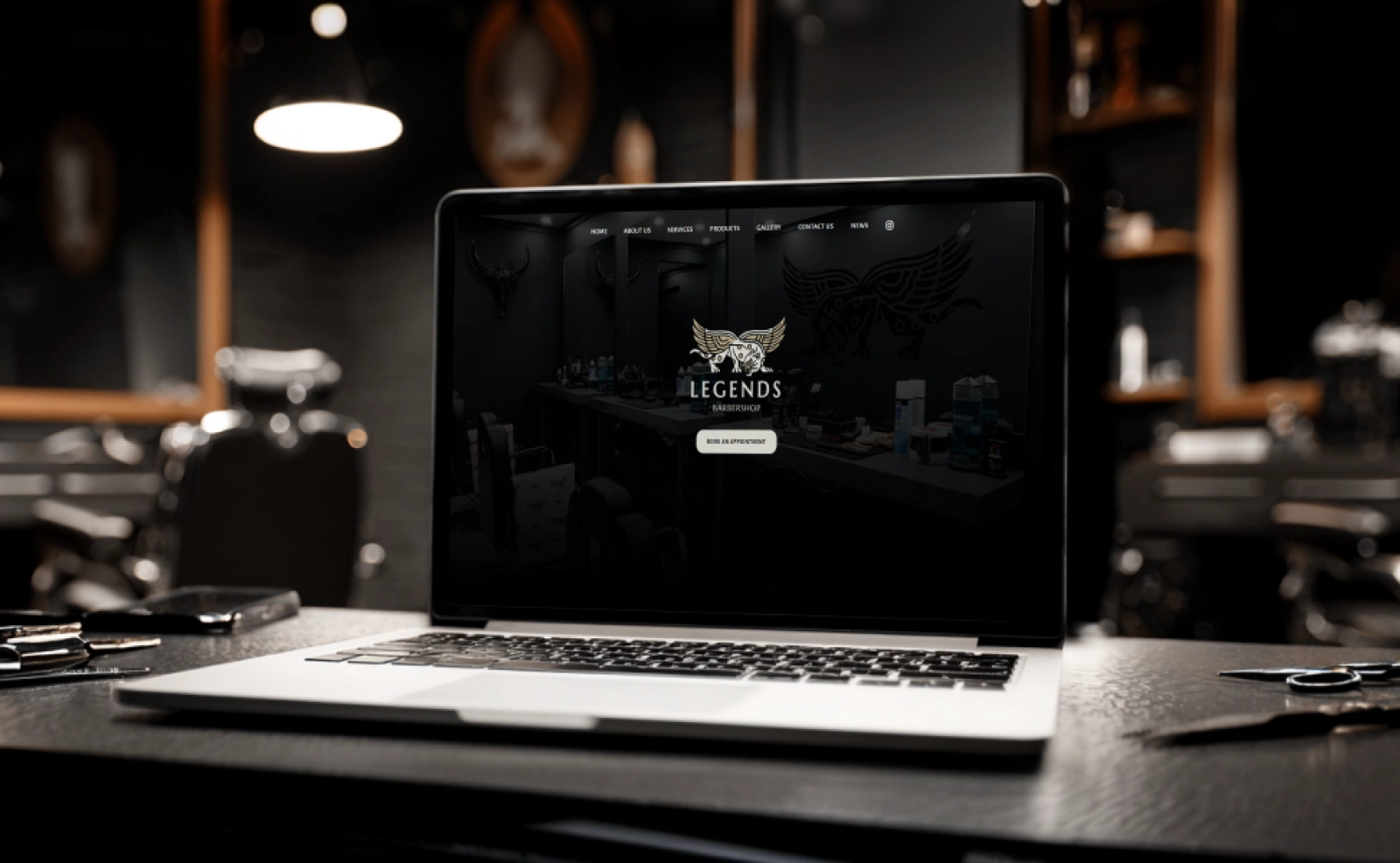
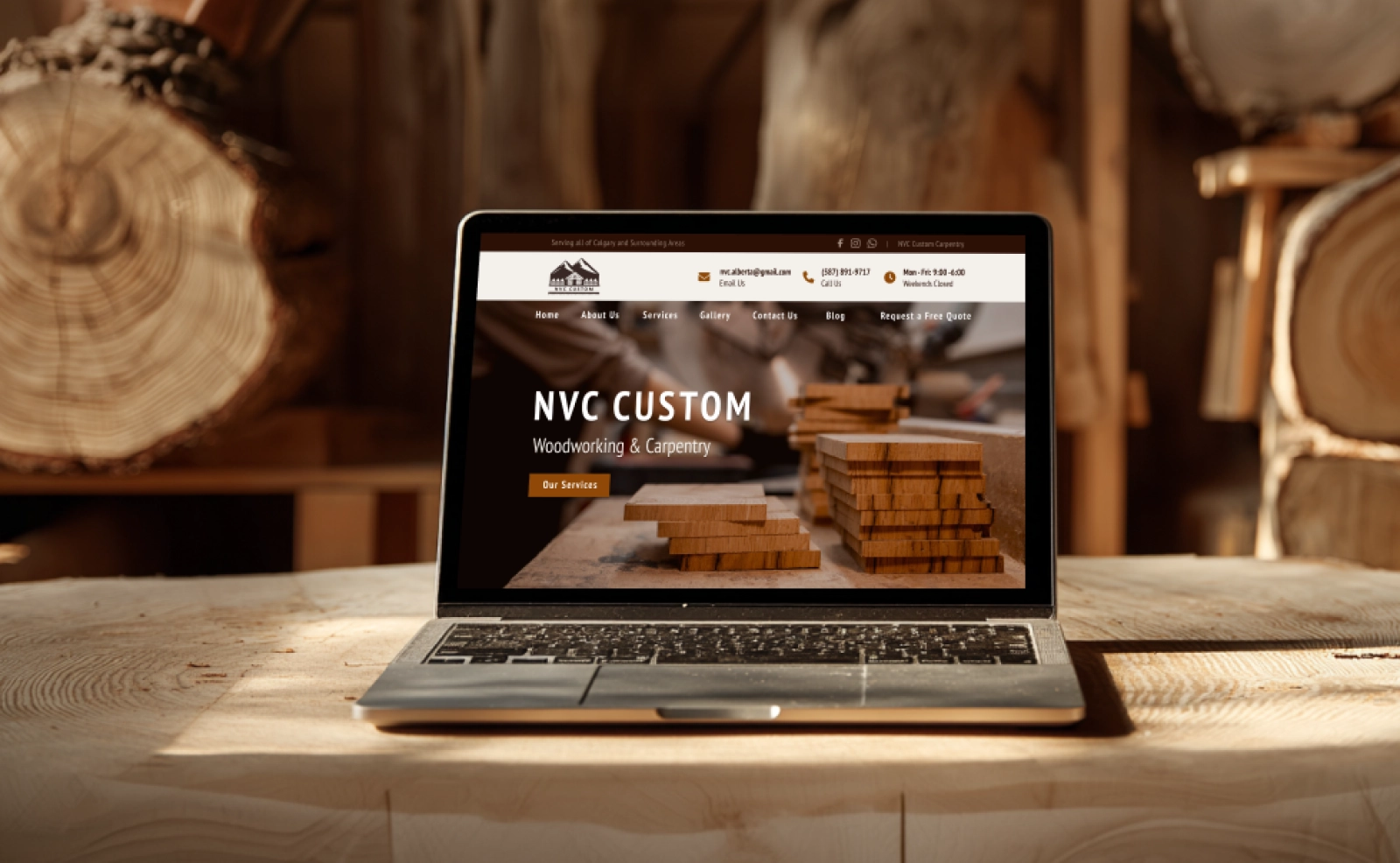
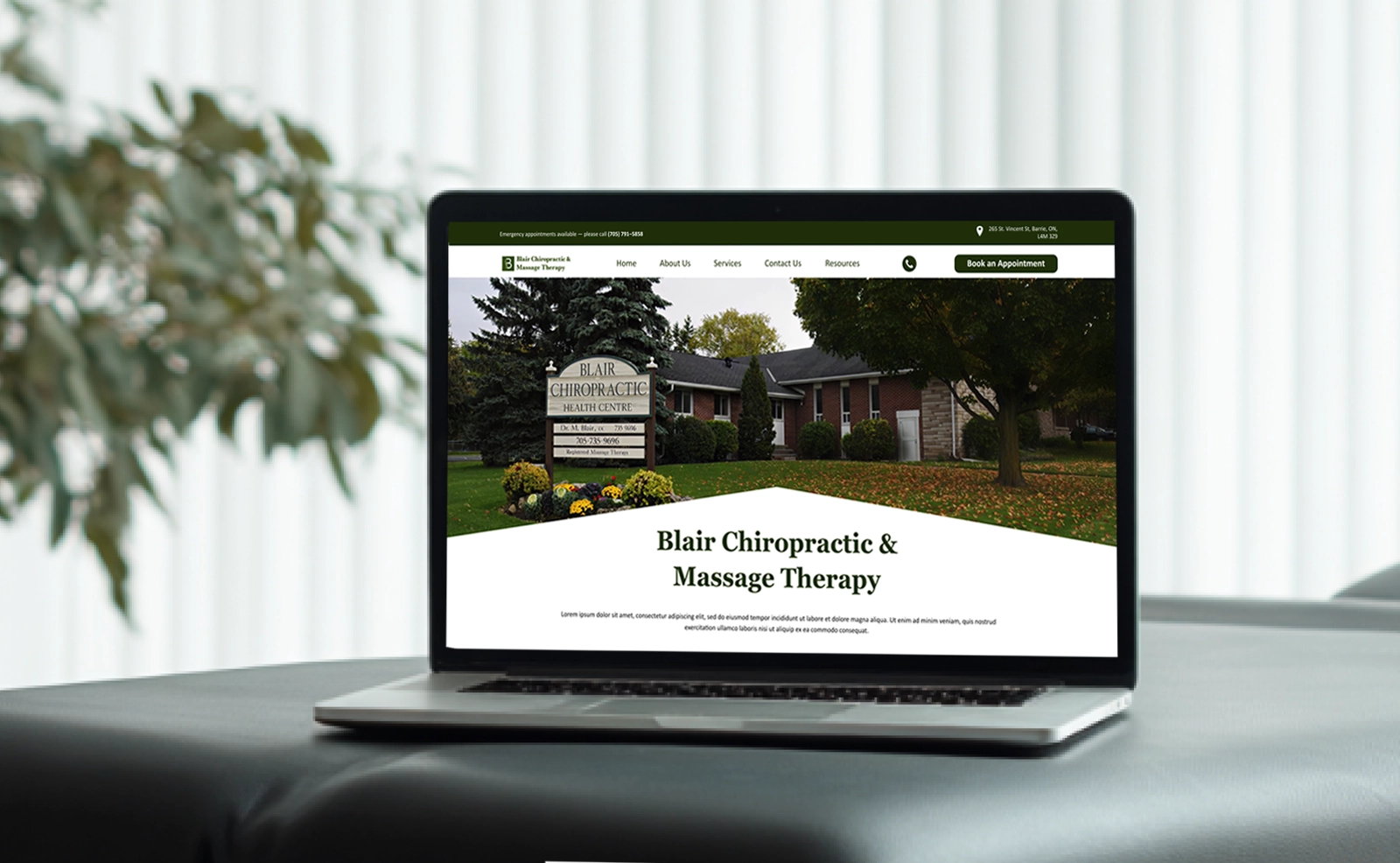
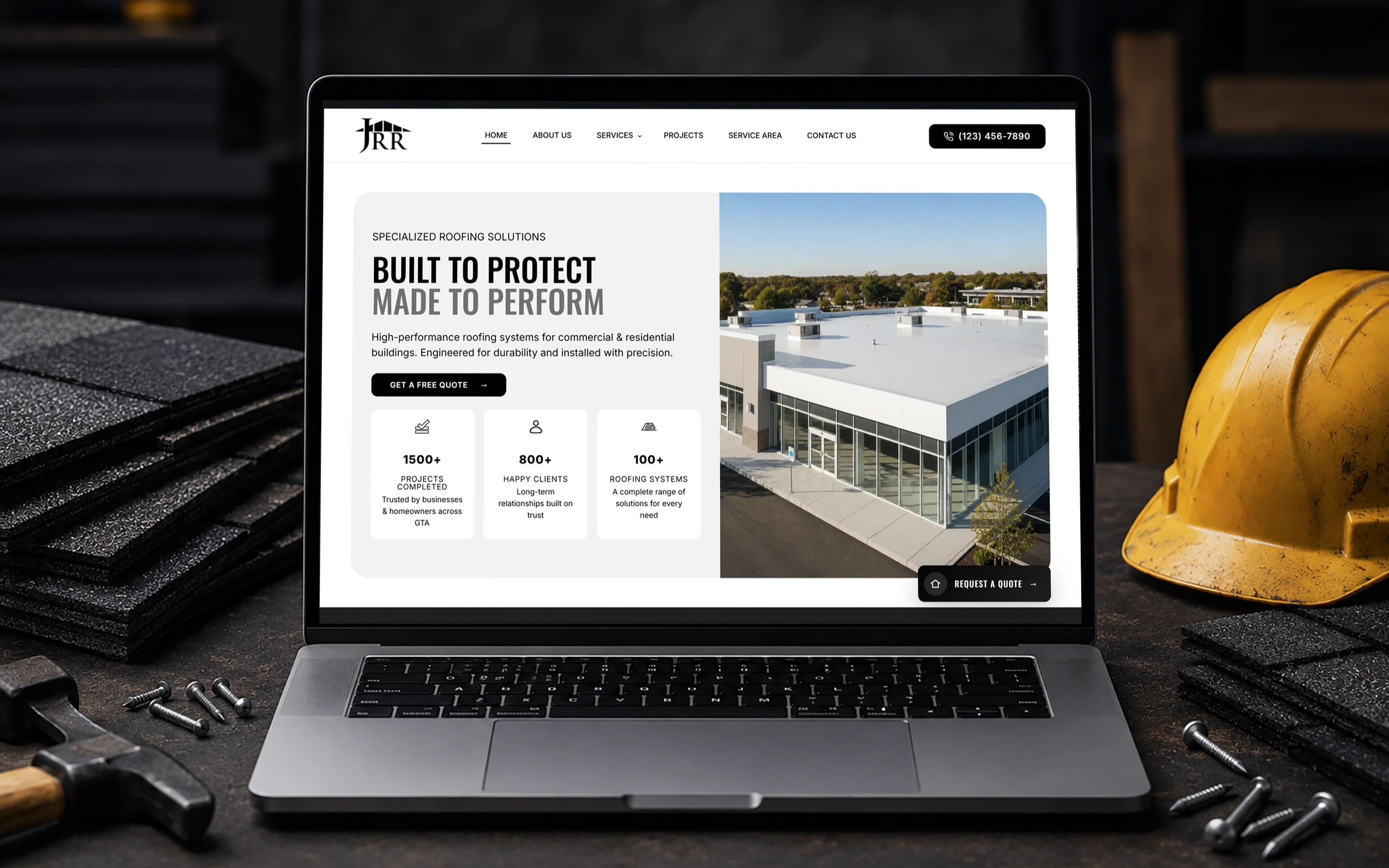
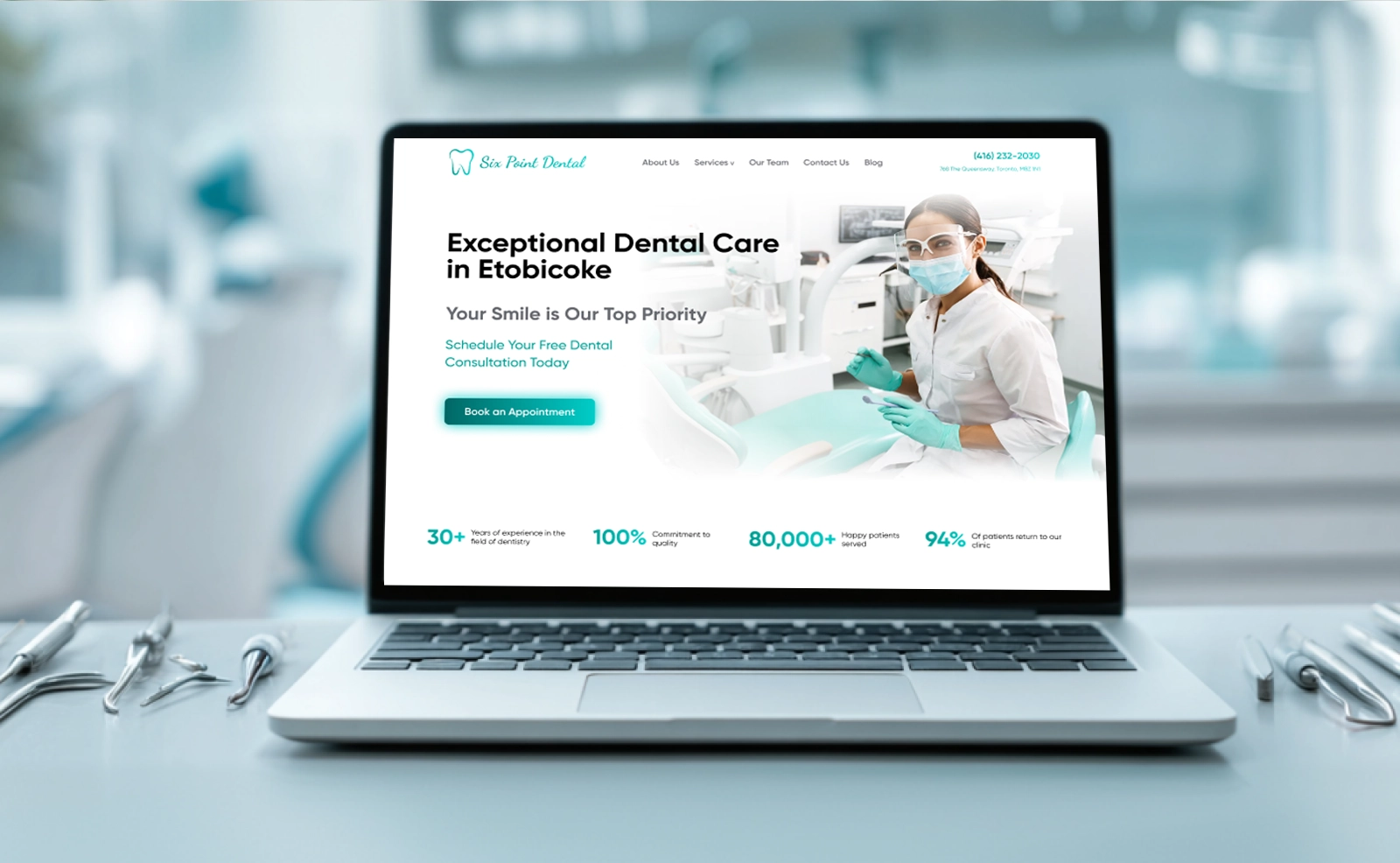
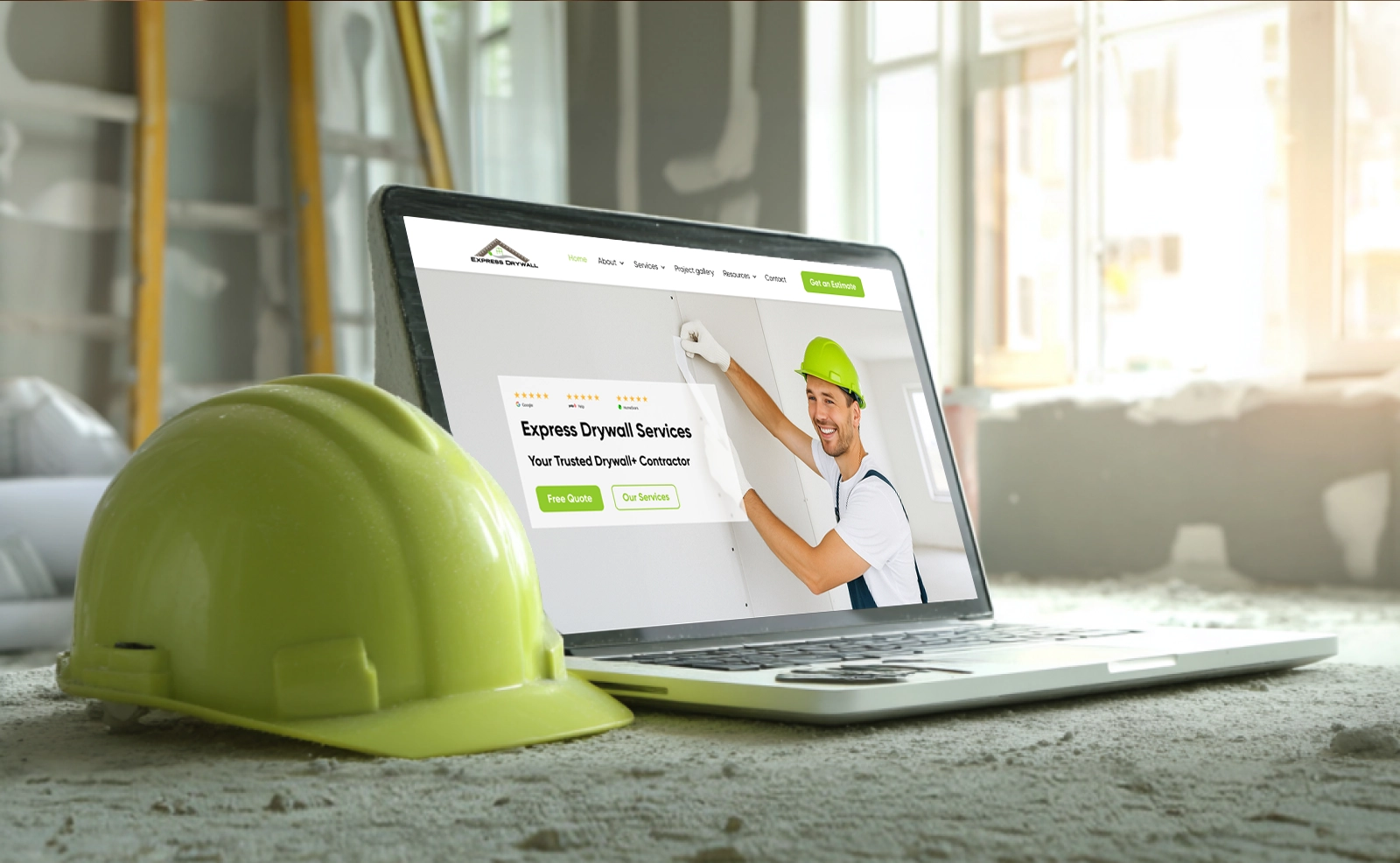
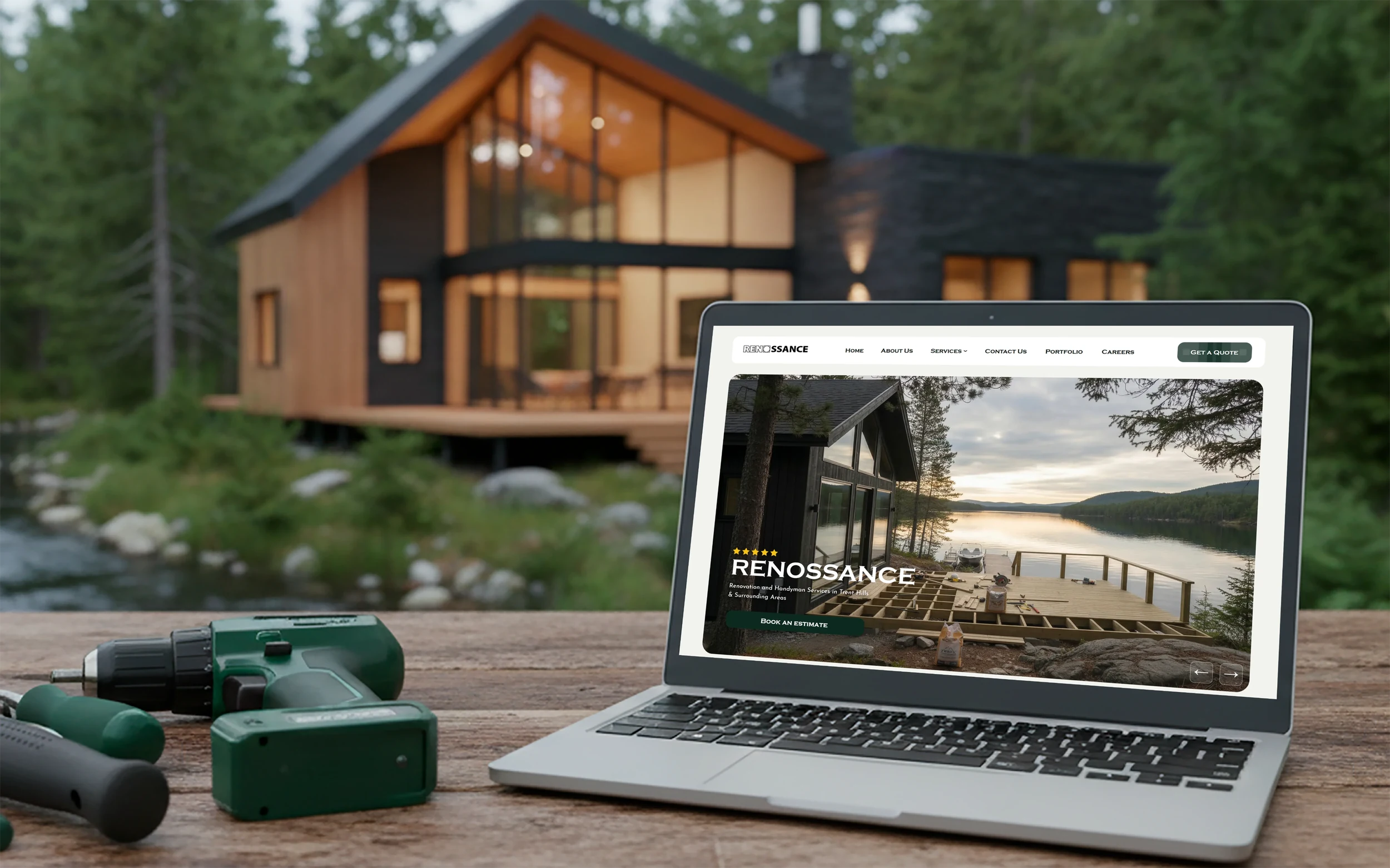
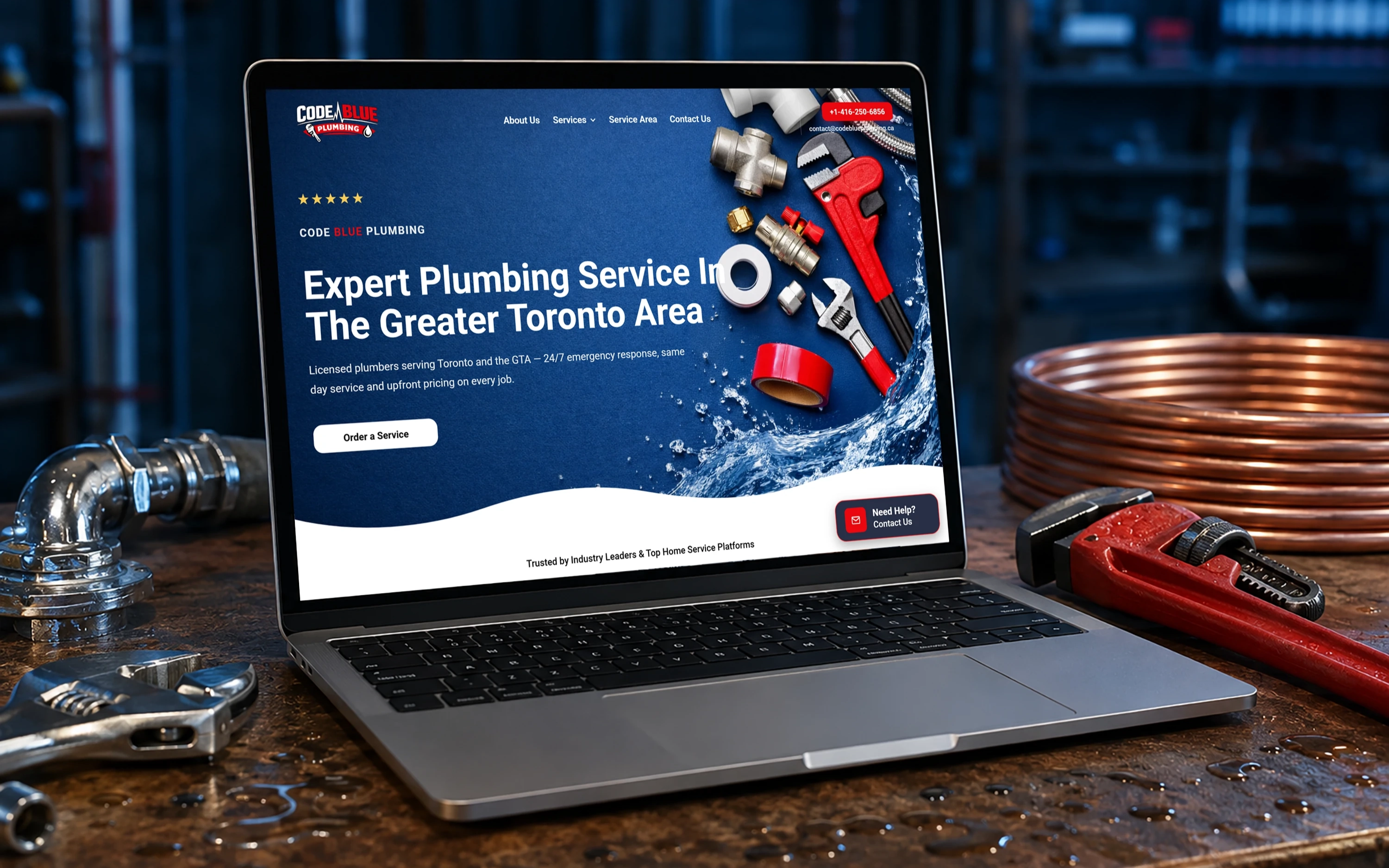
We do not just talk — we ship real websites that real people use. Here is a look at what we have built for businesses like yours.
It depends on how much content you need to manage and what level of flexibility you want. A blog with custom post types is one thing and a full-featured eCommerce CMS is another. Once we know what you need to control, we'll provide a quote that fits your structure and goals.
Tell us about your project and goals. We'll recommend the right approach and map a clear path forward.








 Get in Touch With SEOrca
